Set up Security Association Agent
- Latest Dynatrace
- How-to guide
- 3-min read
Security Association Agent is a Dynatrace agentic workflow that helps prioritize Dynatrace problems with security context and create notifications (for example, via email or Slack). This workflow analyzes the relationship between a problem, its related entities, and the detected security findings on the corresponding entities.
Prerequisites
- Ensure that your DPS license includes AI Units capabilities.
- Set up
 Email for Workflows to receive email notifications.
 - Set up
 Slack Connector to receive slack notifications.
 - Recommended Enable Runtime Vulnerability Analytics.
- Recommended Enable Security Posture Management.
- Optional Enable Runtime Application Protection.
- Optional Ingest security events from third-party products to broaden the data available during triage.
Get started
To set up the workflow, follow the steps below.
-
In
 Workflows, select Workflow.
 -
In the left-hand menu, select the Dynatrace Intelligence app.
-
Search for and select the Security Association Agent template.
-
Follow the on-screen guidance to configure the workflow.
After the workflow is deployed:
- Update the workflow tasks as needed (for example, in the
send-emailandnotify-in-slacktasks, specify the destination channel and destination email address). - Review the workflow trigger, adjust the schedule according to your needs, and enable the trigger.
What's next?
After you set up the workflow, the Security Association Agent is triggered whenever new matched problems occur in your environment. It extracts the monitored entities and analyzes them together with security events to collect security evidence. Finally, it determines the likelihood that the problem might have been caused by security issues or a security incident.
It analyzes the following security finding types:
-
Vulnerability findings—both findings generated by Dynatrace and ingested with third-party integrations, such as Snyk, GitHub, and SonarQube.
-
Compliance findings—both findings generated by Dynatrace and ingested with third-party integrations, such as Microsoft Defender for Cloud and AWS Security Hub.
-
Detection findings—both findings generated by Dynatrace and ingested with third-party integrations, such as Amazon GuardDuty and Microsoft Sentinel.
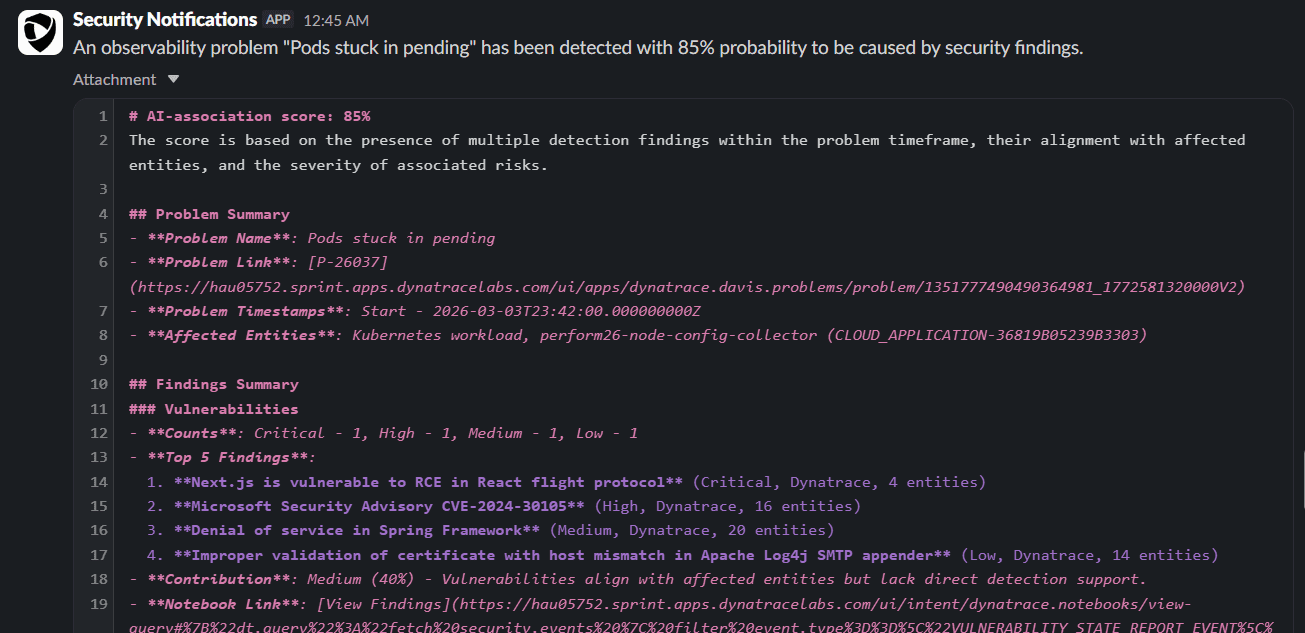
Sample email report:
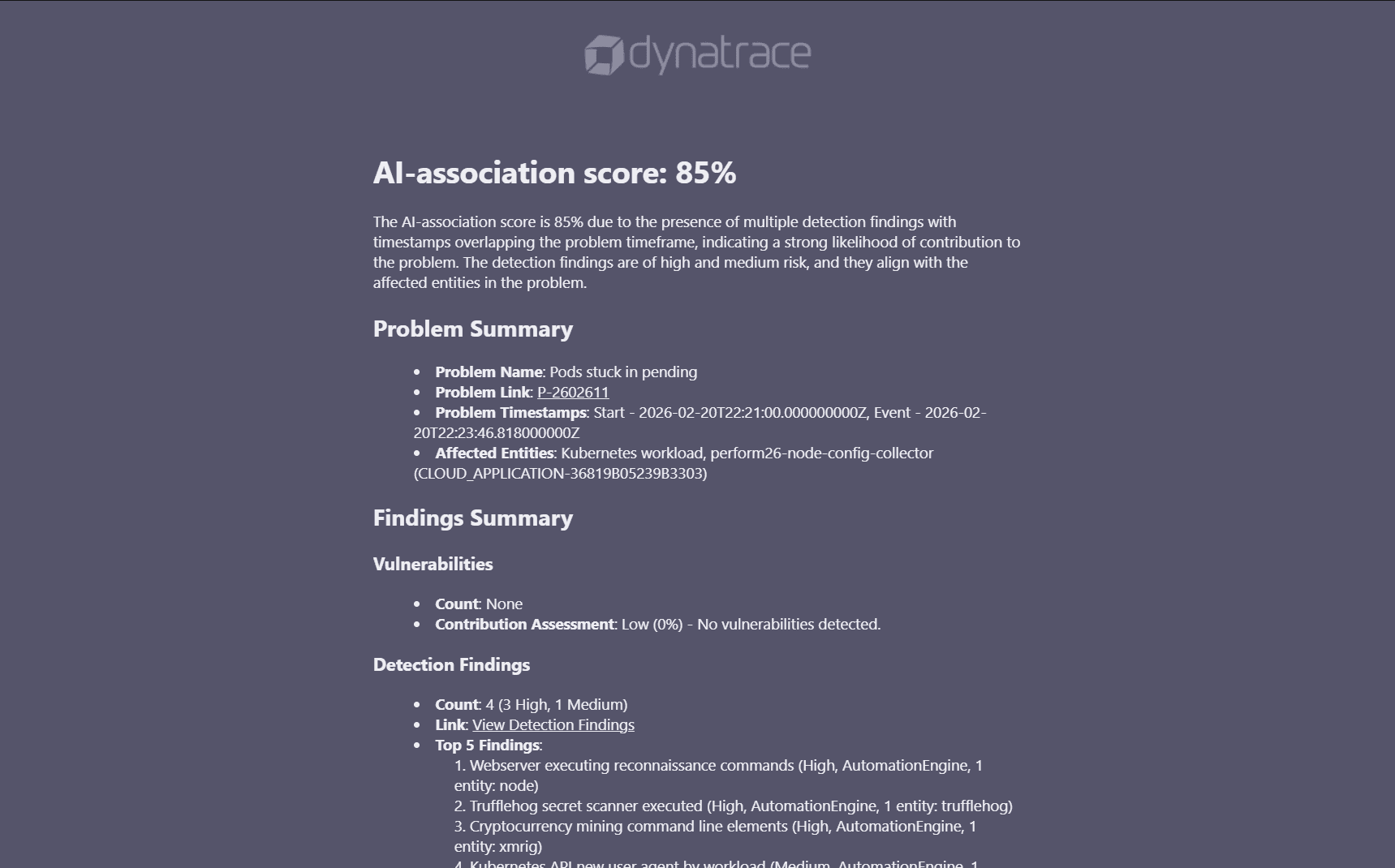
Sample slack report: