Set up Database Operations Agent
- Latest Dynatrace
- How-to guide
- 2-min read
The Database Operations Agent is triggered by Dynatrace Intelligence and analyzes application slowness to identify database-related performance issues, correlates span data with database monitoring data, and adds the findings to a problem card in  Problems.
Prerequisites
To use the Database Operations Agent, you must deploy a workflow that is included in the product as a preconfigured workflow template. For details, see Agentic workflows.
Get started
To set up the agent
-
Go to
 Workflows and select Workflow.
 -
From the Create workflow from template list that opens, select Database Operations Agent.
-
Install all the required apps (as needed), define the connections, and select Create workflow.
-
Optional To configure the JSON workflow input, select and scroll down to Workflow input and result and Default input sections.
- Set the
generateRecommendationparameter value totrueto provide execution plan data to Dynatrace Intelligence, which generates recommendations based on the execution plan and attaches them to the Problem card, or tofalseto not use generative AI steps.
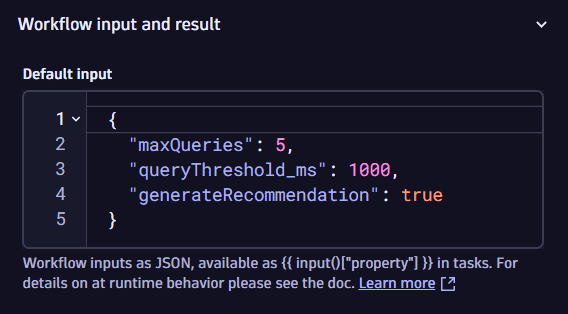 Setup for the Database Operations Agent in Workflows to analyze database performance issues and generate recommendations.
 - Set the
-
Test the workflow with a manual run by selecting Run.
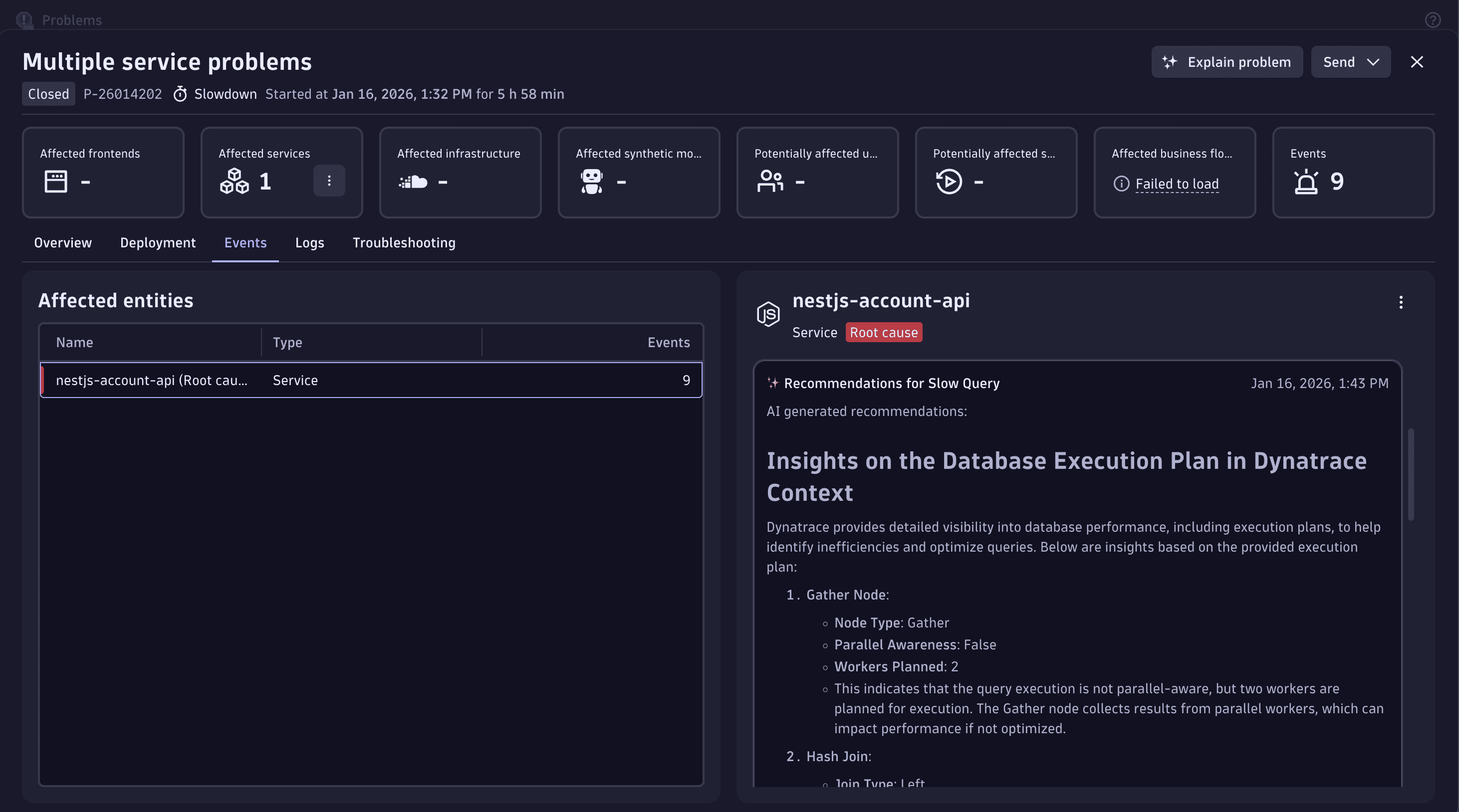
If the workflow works as expected, the AI-driven diagnostics results are displayed in Problems.
Related topics
 DatabasesGenerative and agentic AI for WorkflowsAI agents for Workflows