Get notified about workflow changes
- Latest Dynatrace
- How-to guide
- 3-min read
Get notifications about changes to your workflow, such as edits, deletions, execution failures, and throttle limits.
Turn on notifications
Notifications are not turned on by default.
To turn on notifications for a workflow navigate to the relevant workflow.
-
Select .
-
Select Turn on notifications.
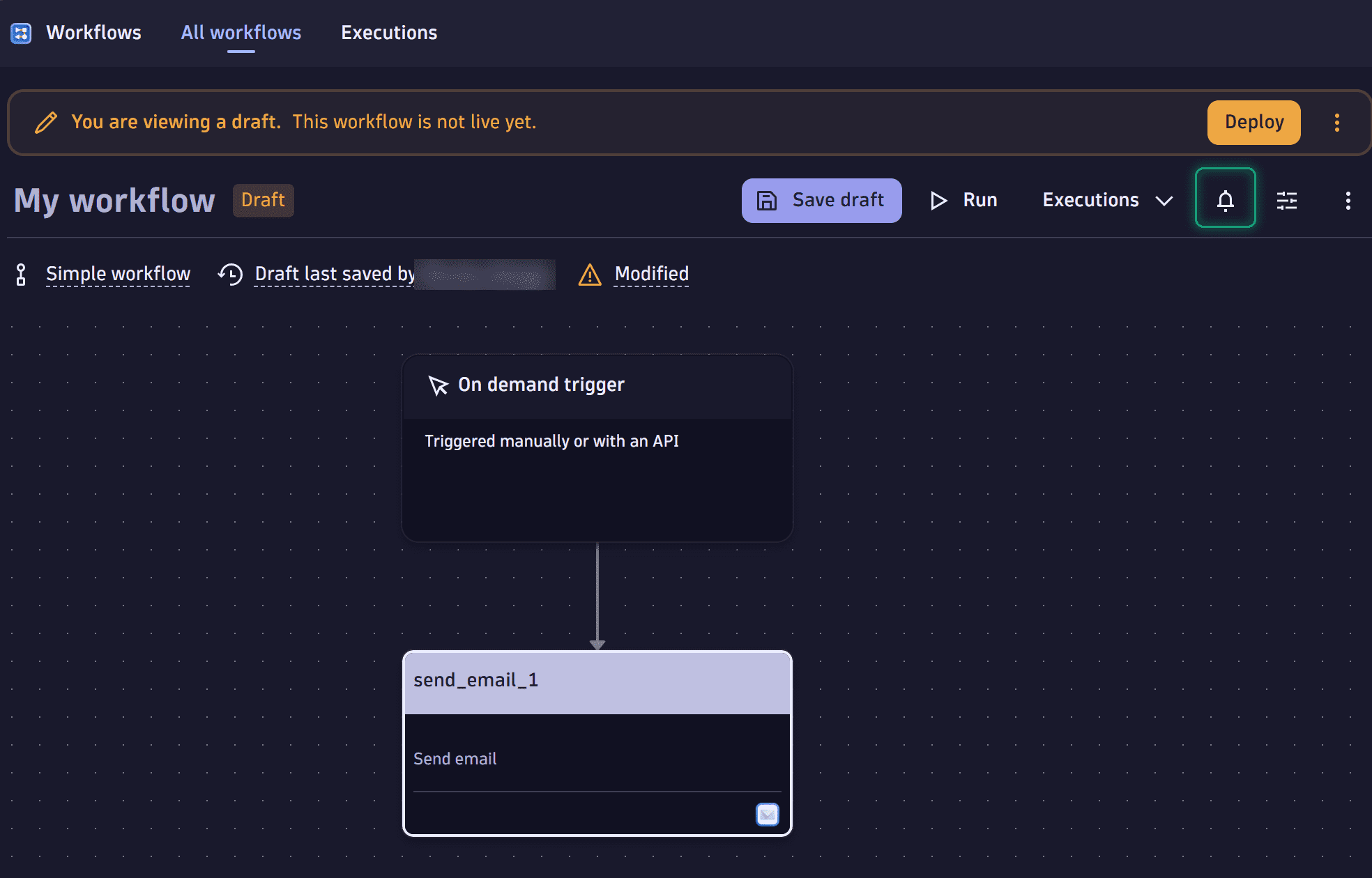 Screenshot of a workflow with notification.
Details
When you turn on notifications, you receive email notifications for the following scenarios:
- Workflow edits or deletions
- Workflow failures
- Hourly execution throttle limit
Workflow edits or deletions
Notifications are sent when a workflow is edited or deleted, provided the following conditions are met:
Notifications are sent when:
- Someone else edited a live workflow.
- Someone else moved a workflow to the trash.
- Someone else restored a workflow from the trash.
- Someone else permanently deleted a workflow from the trash.
For more information about the trash and restore lifecycle, see Delete and restore workflows.
Workflow failures
A notification is sent when a workflow execution fails if that workflow has already had at least one successful execution.
Hourly execution throttle limit
A notification is sent when a workflow hits its hourly execution throttle limit. This ensures awareness about potential interruptions in workflow execution.
Turn off notifications
To turn off notifications for workflow, select > Turn off notifications.
 Workflows