Filter Smartscape nodes with segments
- Latest Dynatrace
- Tutorial
- Published Jul 03, 2025
- Preview
In Smartscape on Grail, you can filter monitored entities using the recommended Data (all types) include block or the type-specific include block for entities.
Who this is for
This article is intended for all users aiming to efficiently filter Smartscape on Grail data in different apps on the Dynatrace platform.
What you will learn
In this article, you'll learn how to use segments to filter Smartscape nodes with include blocks.
Before you begin
Prior knowledge
Dynatrace apps supporting segments:
- Dashboards

- Notebooks

- Problems

- Workflows

- Distributed Tracing
- Discovery & Coverage
Support for segments in further apps will follow. Watch for updates.
Prerequisites
- Dynatrace SaaS environment powered by Grail and AppEngine.
- You have
storage:filter-segments:readpermission. To learn how to set up the permissions, see Permissions in Grail.
Filter Smartscape nodes with Data include blocks
To filter Smartscape nodes with include blocks for Data (all types)
- Select Settings > Environment segmentation > Segments.
- Select Segment to create a new segment.
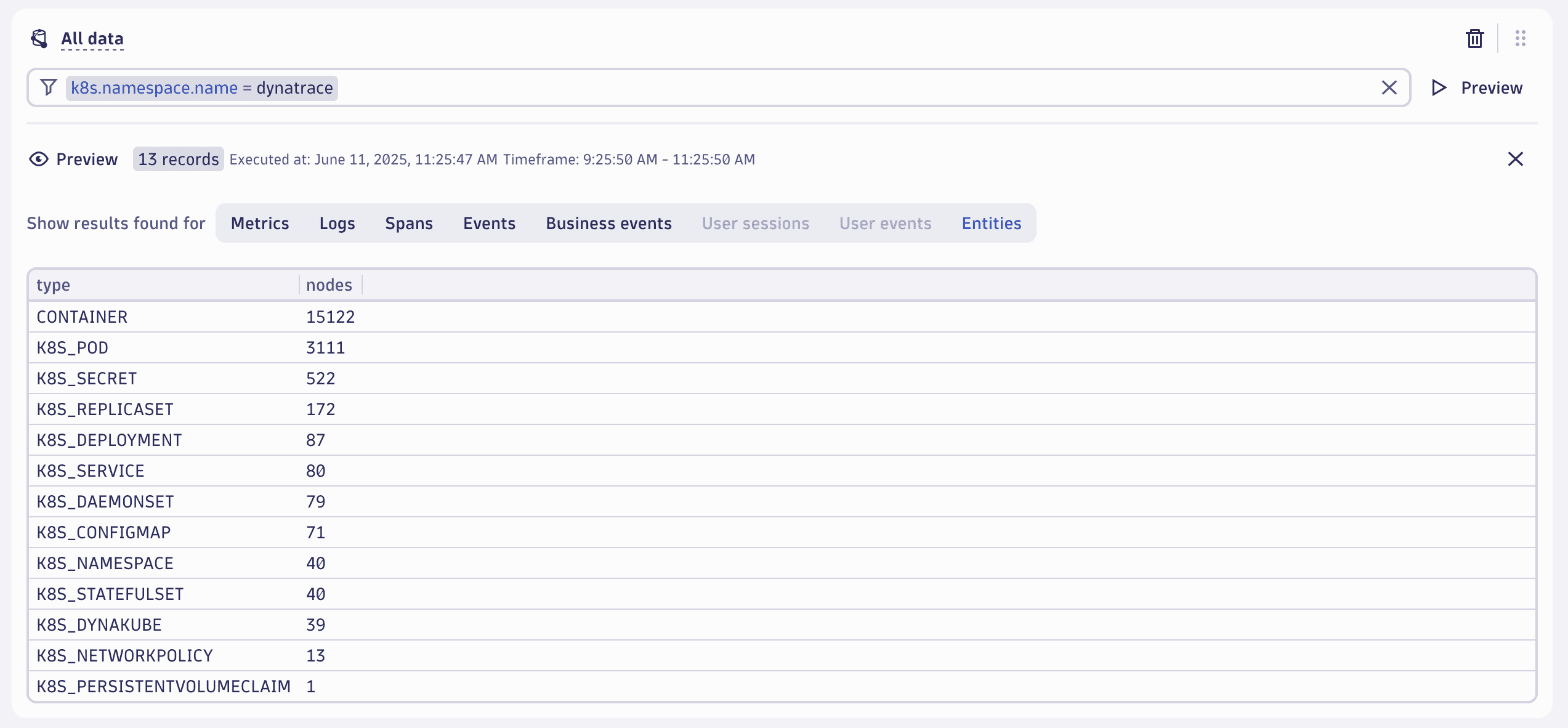
- Under All data, provide a desired filter condition (such as
k8s.namespace.name = dynatrace) in the filter field. - Select Preview to preview data that matches your filter condition.
- Select Entities in the list of data types available for your filter condition to preview matching Smartscape nodes.
Filter Smartscape nodes with entities include blocks
To filter Smartscape nodes with include blocks for entities
- Select Settings > Environment segmentation > Segments.
- Select Segment to create a new segment.
- Select More > Entities to create a specific include block for entities in your segment.
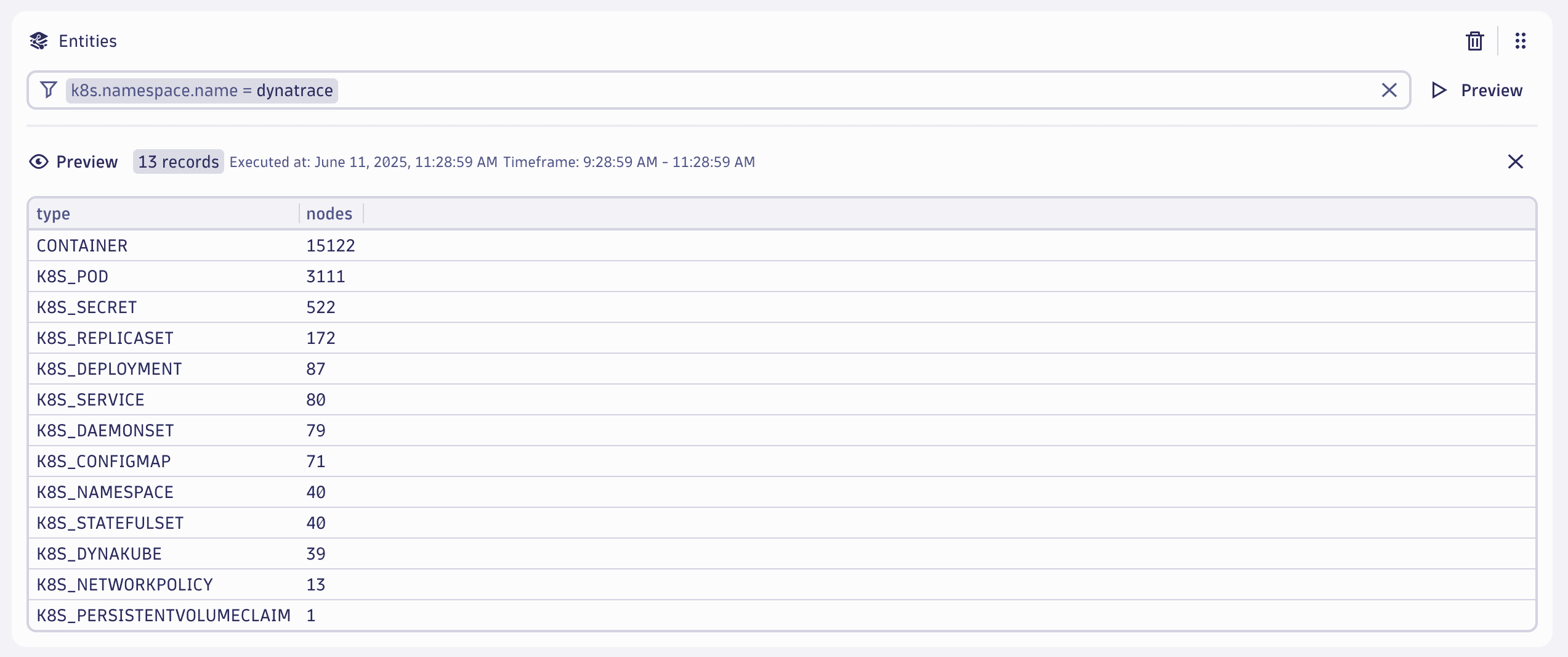
- Under Entities, provide a desired filter condition (such as
k8s.namespace.name = dynatrace) in the filter field. - Select Preview to preview Smartscape nodes that match your filter condition.
Conclusion
You've learned how to create Smartscape nodes filters using segment include blocks for all-type data and entities. You can now use them to filter monitored entities in Smartscape on Grail.