Vulnerabilities
- Latest Dynatrace
- App
About the app
What you'll learn
- Filter, format, and sort to find relevant vulnerability information.
- Prioritize vulnerabilities based on Dynatrace Security Score, Dynatrace Assessment, affected and related entities, historical context, CISA KEV catalog.
- Apply fixes, track remediation, drill down to the source of vulnerabilities, change the mute status of affected entities.
- Interact with other apps and download results to share with others.
- Gain insights into monitoring coverage and exposure trends with the Vulnerability coverage dashboard.
Target audience
 Vulnerabilities is dedicated to devsecops engineers.
Prerequisites
Depending on the type of ingested data you want to monitor with Vulnerabilities, whether it's data from your Dynatrace-monitored environment or from third-party sources, the following requirements must be met:
Permissions
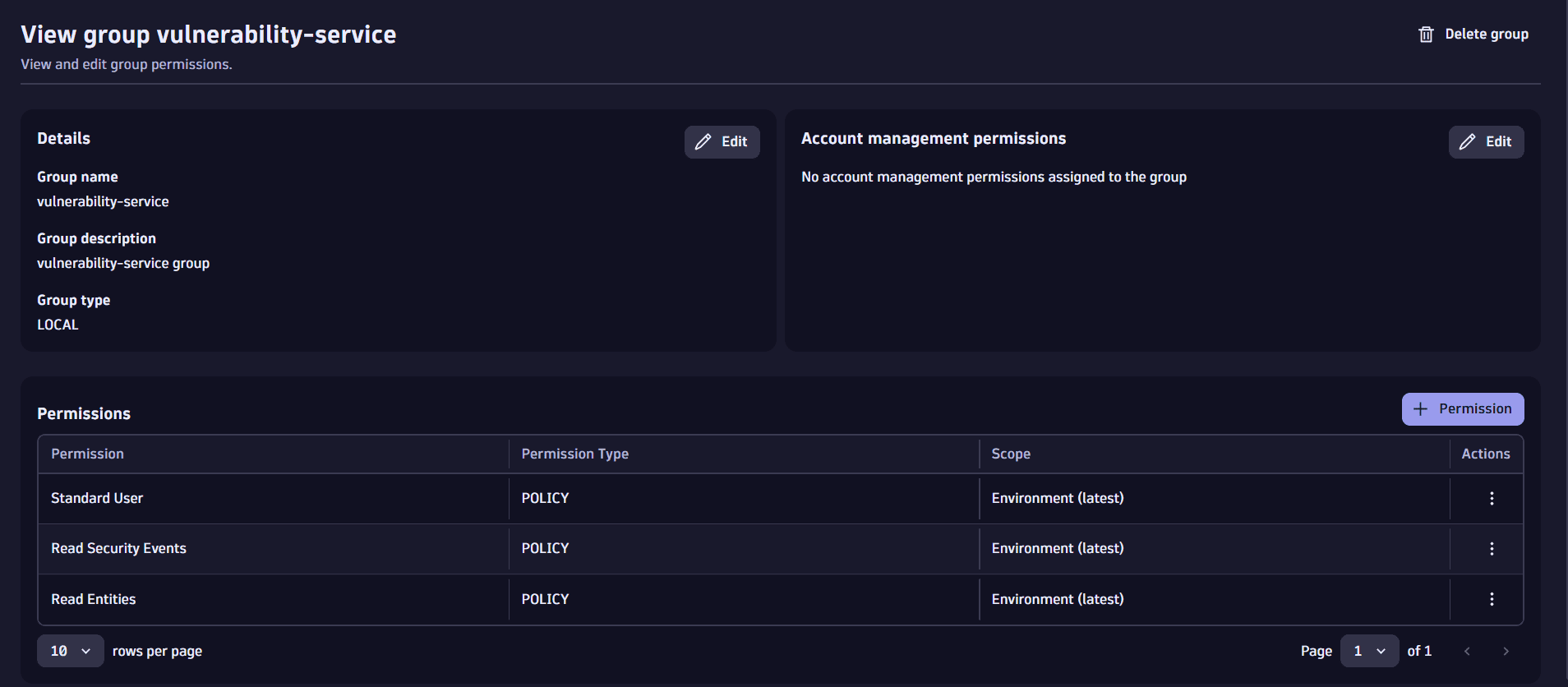
An admin user needs to assign the following IAM policies to the group of users that will access the vulnerability-service:
Read EntitiesRead Security Events- One of the following user policies:
Admin User,Pro User,Standard User(for details, see Default policies).
See below for instructions.
1. Create a group
-
In Account Management, select Identity & access management > Group management.
-
Select Group to create the group.
 add a group
 -
Enter a name (for example,
vulnerability-service) and a description (for example,vulnerability-service group), then select Create.
2. Assign policies to the group
Once the group is created, you can view details and assign policies.
-
Select Permission.
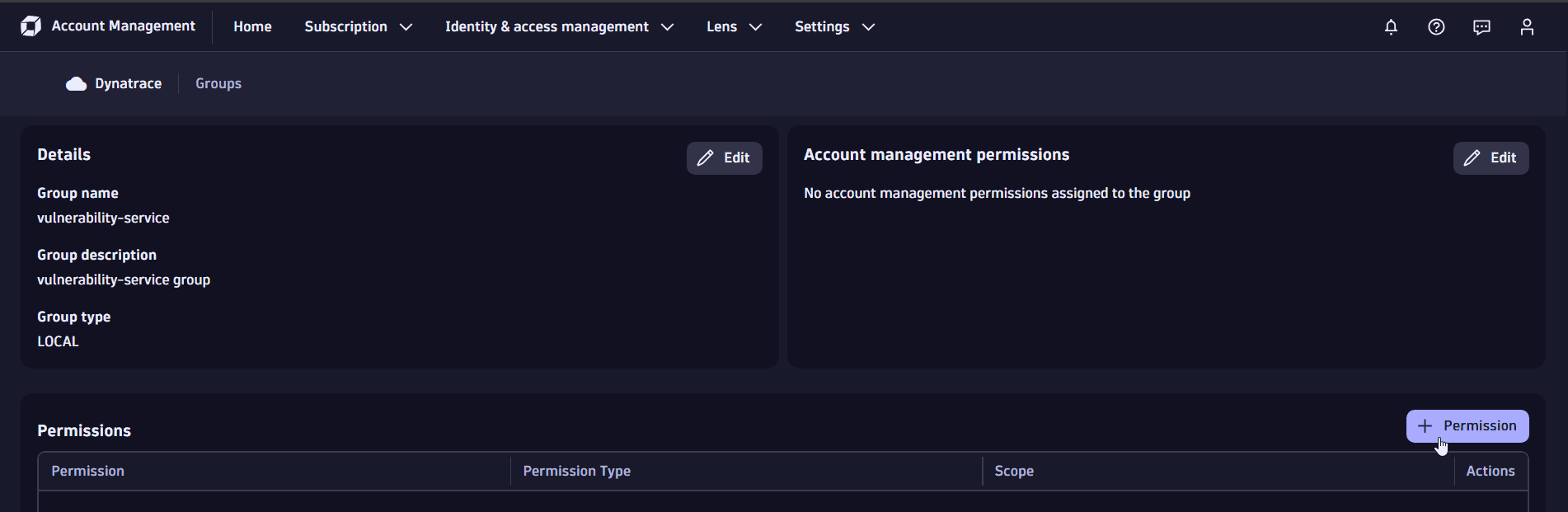 assign policies
 -
In the drop-down menu of Permission name, select and save the three required policies, one at a time.
Once added, the three policies should be displayed in your list of permissions.
3. Add users to the group
- In Account Management, select Identity & access management > People.
- Select Invite user to invite users to the newly created group.
For details on IAM policies, see Working with policies.
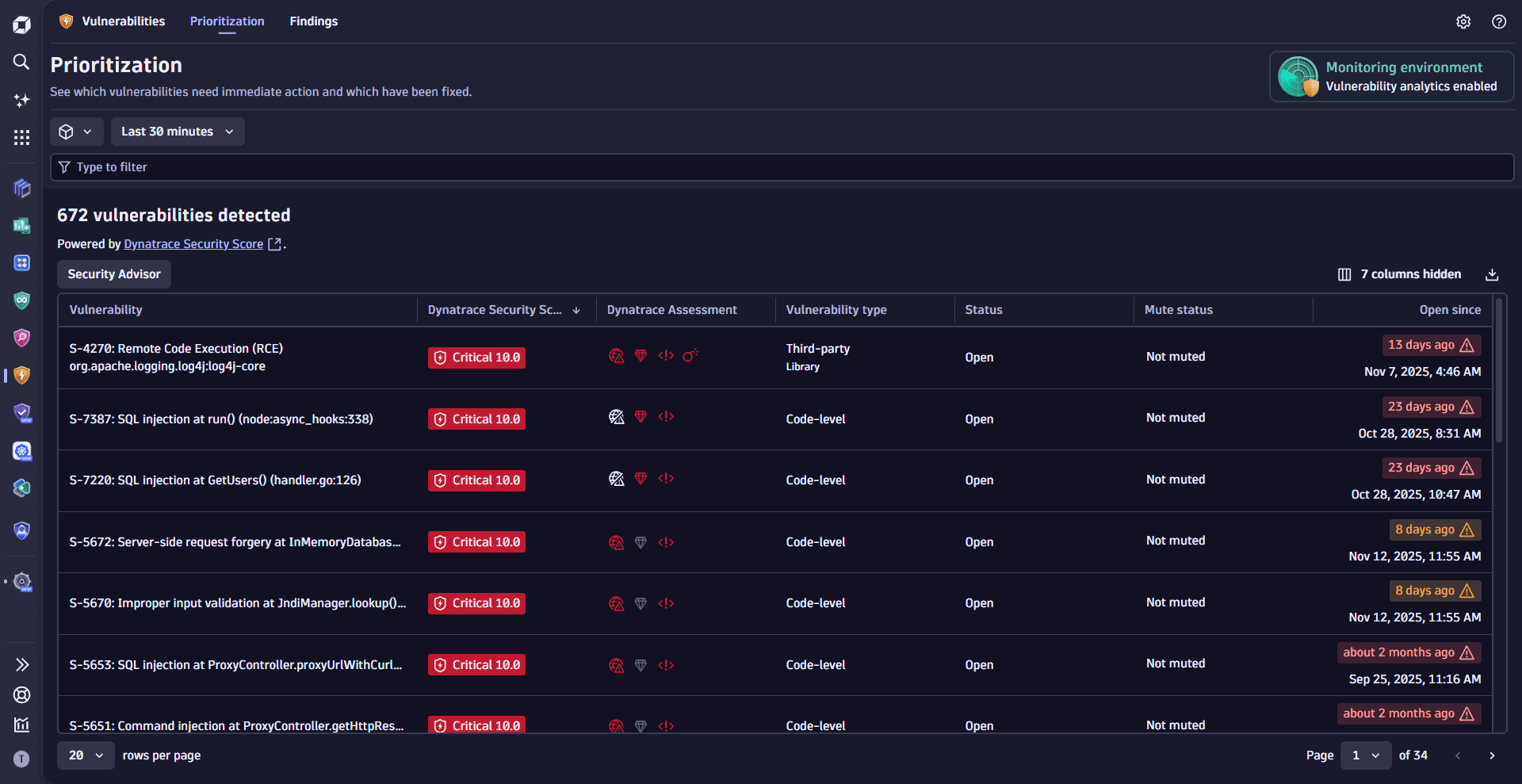
Vulnerabilities detects if the applications in your Dynatrace environment use vulnerable libraries at runtime or vulnerable runtime to execute your code. It helps you prioritize based on context and impact, efficiently addressing remediation actions.
For additional visibility into monitoring coverage and exposure, see Assess coverage.
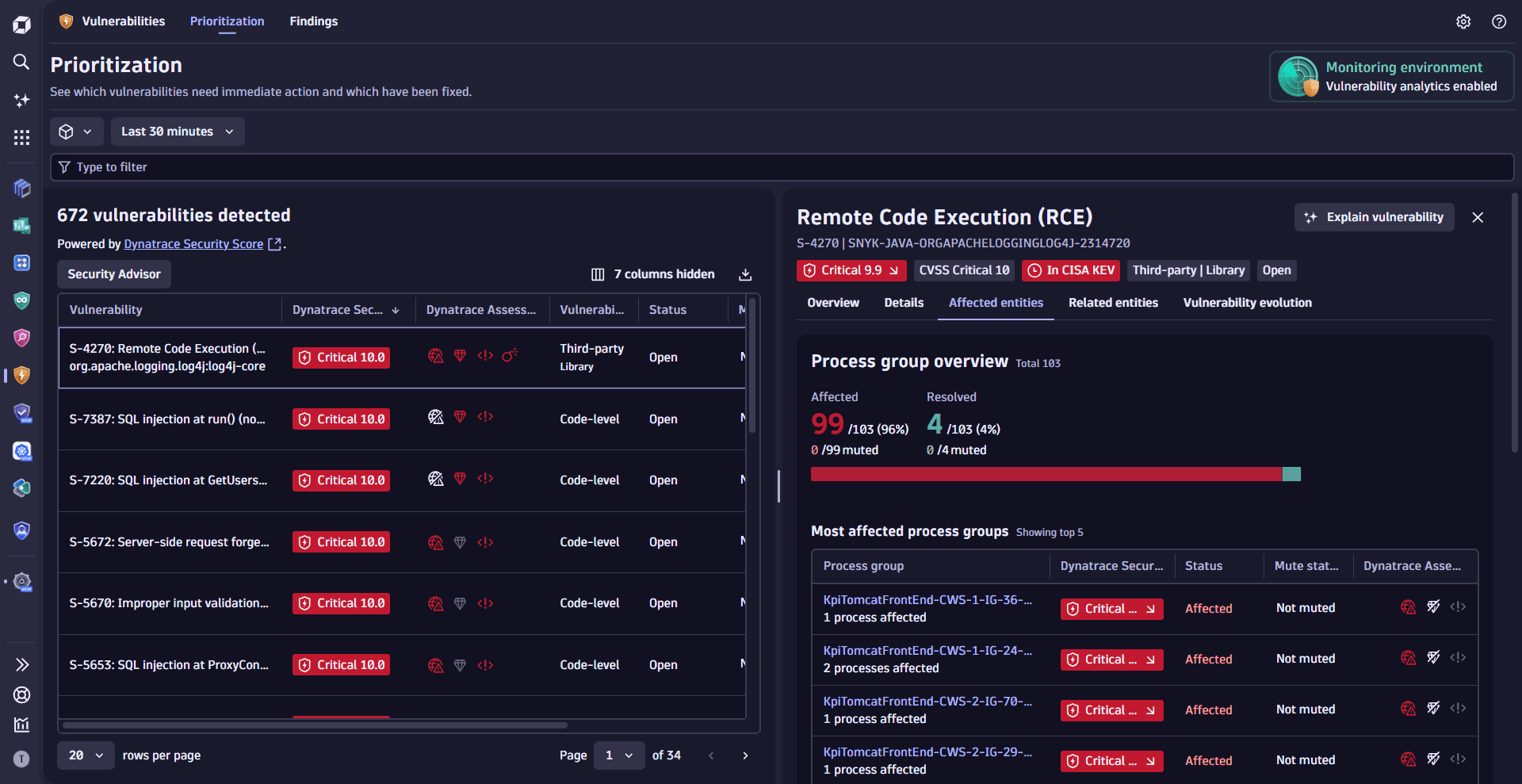
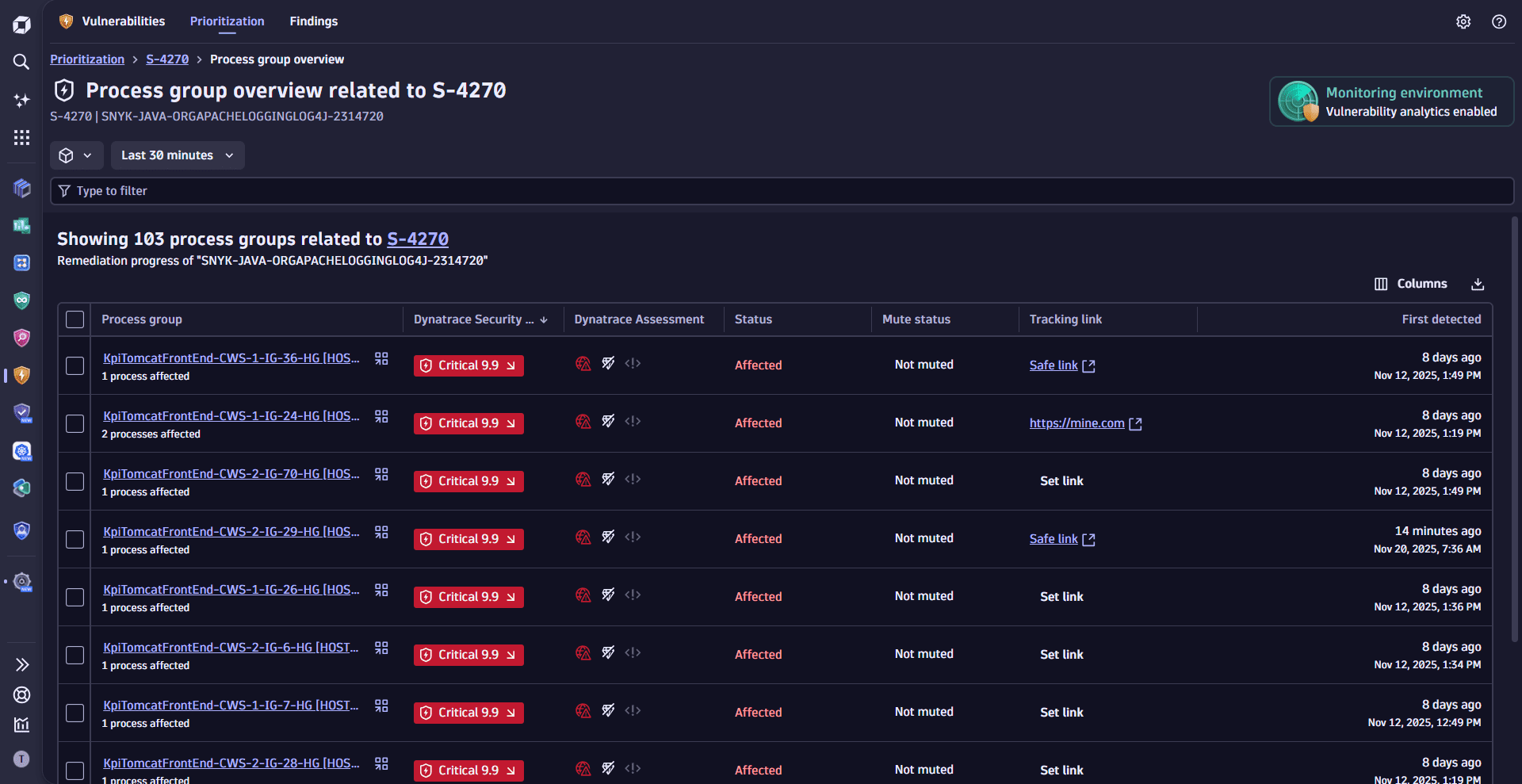
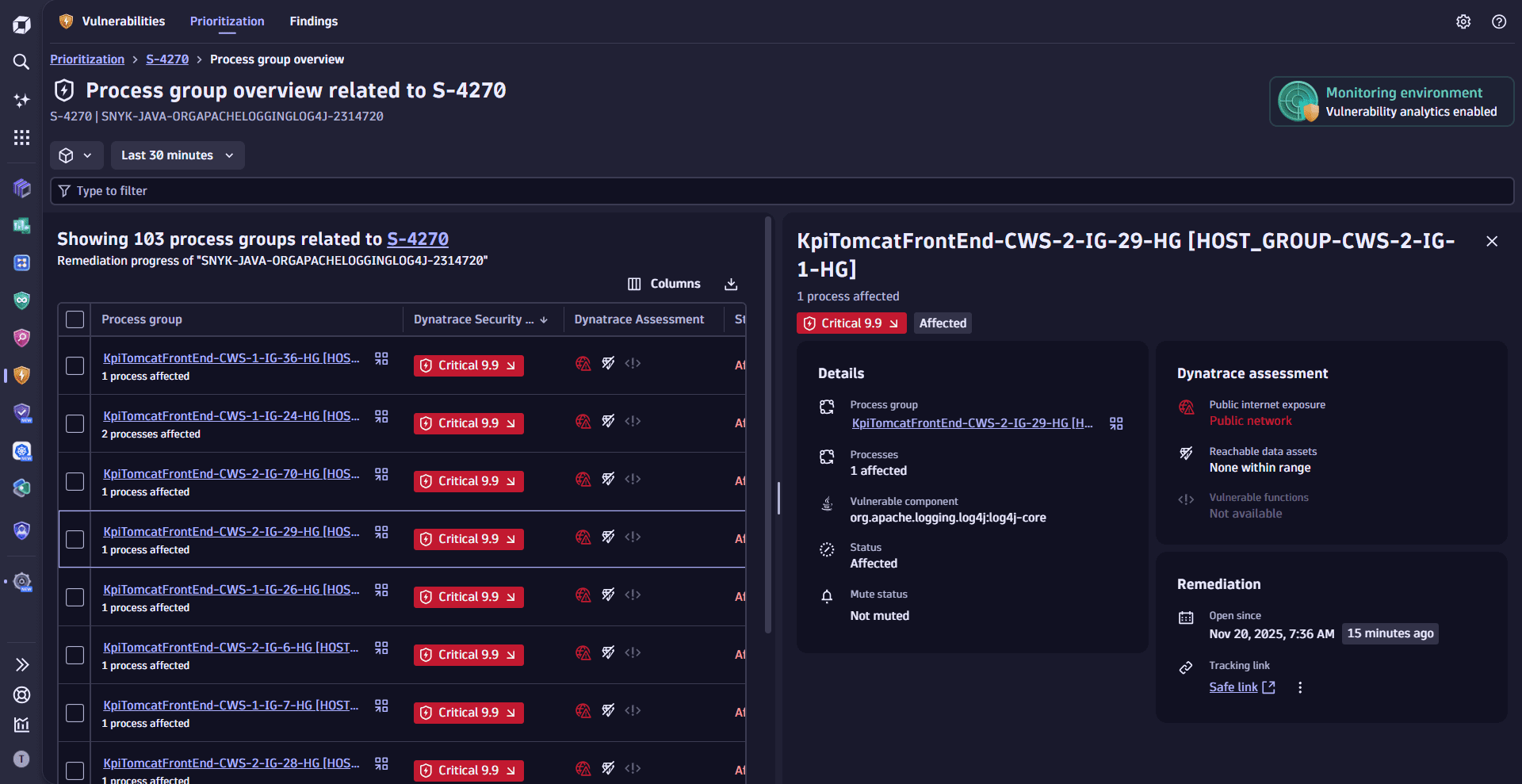
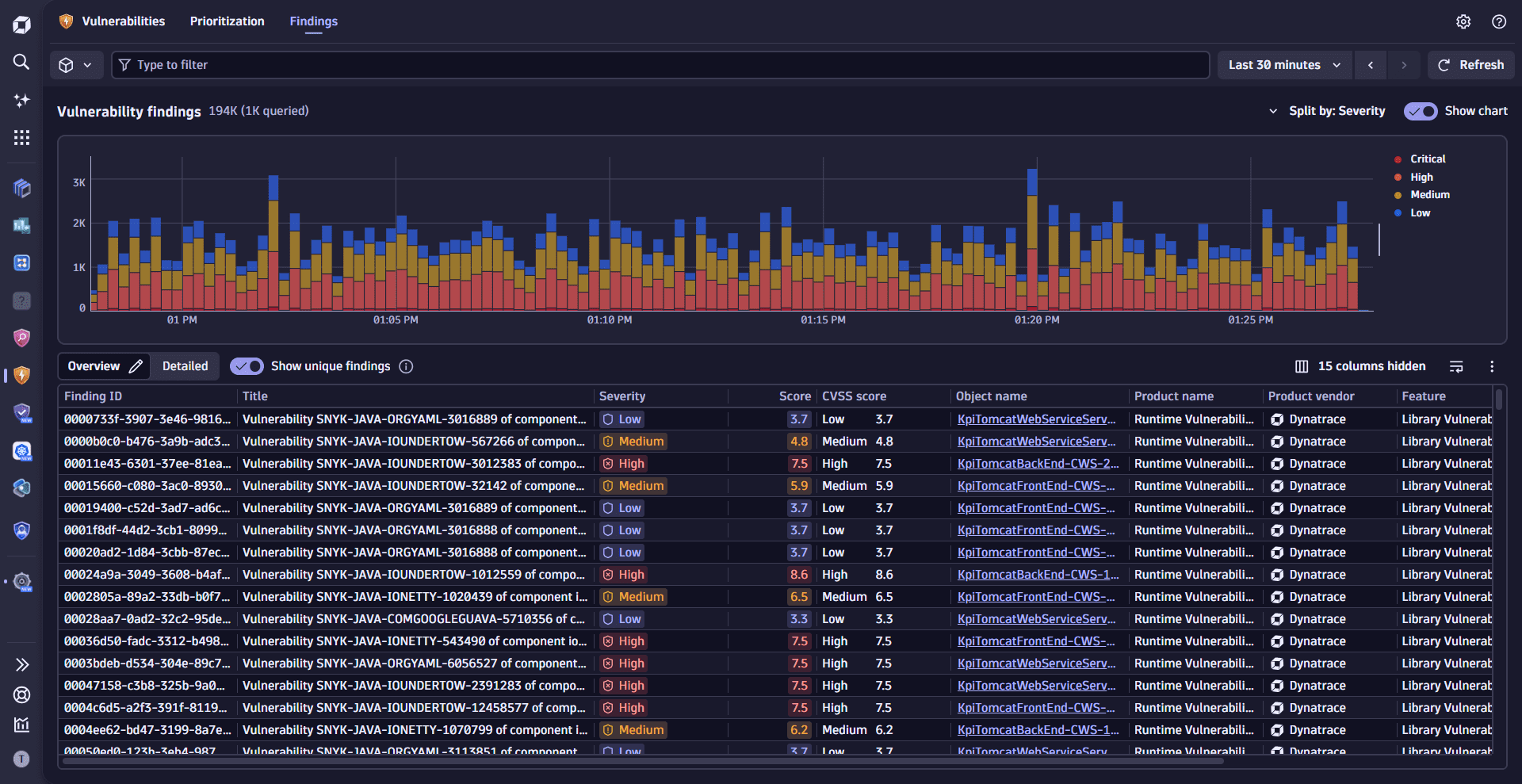
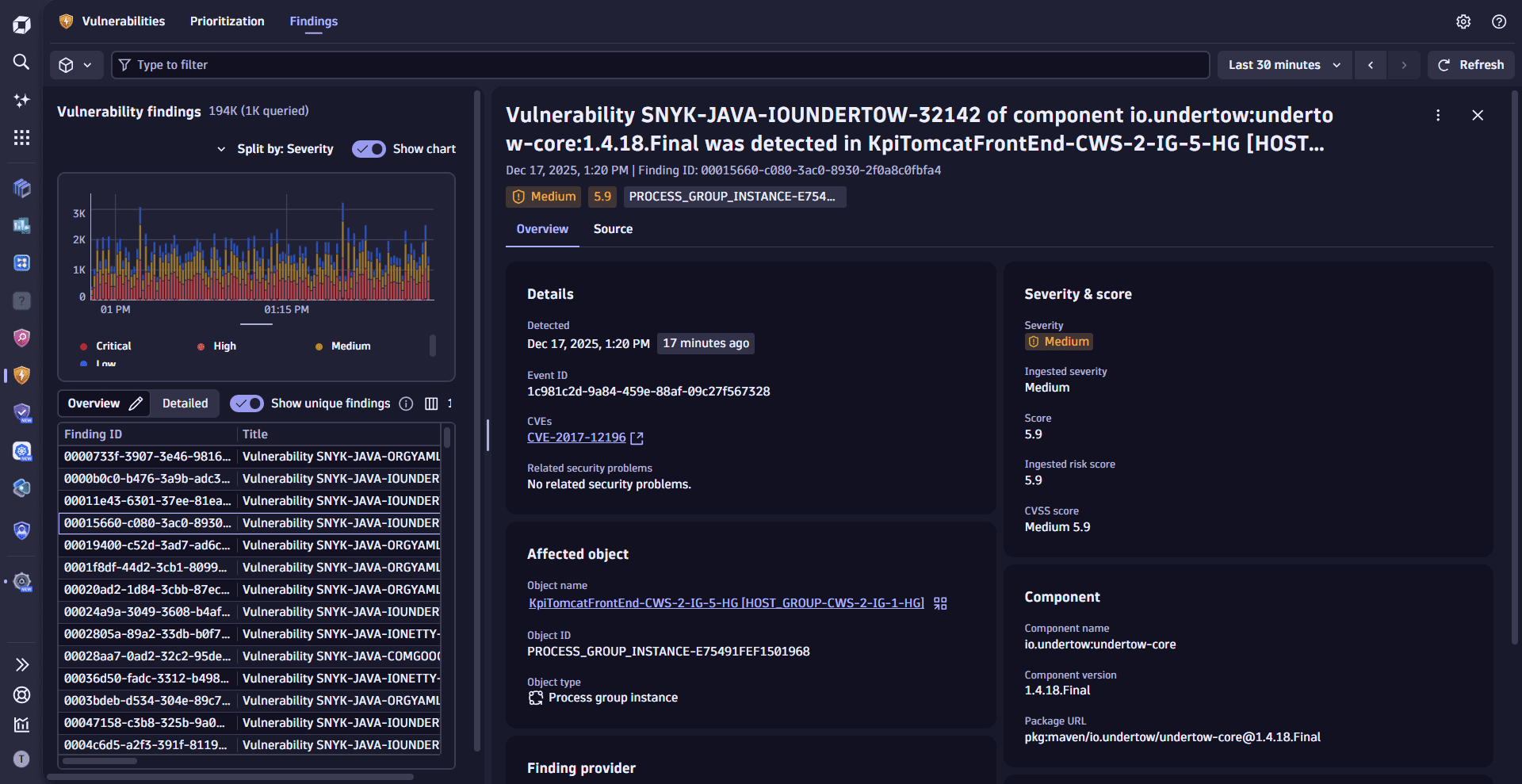
Try Vulnerabilities and share your feedback to help us improve.
Once you open Vulnerabilities, you can see the list of vulnerabilities from your ingested data.
- To add an integration, go to Detection sources and select one of the available options in Integrations.
Learning modules
- Explanation
- Concepts that are specific to the Dynatrace Vulnerabilities app.
- How-to guide
- Filter, format, and sort to find relevant vulnerability information.
- How-to guide
- Address remediation and optimize remediation activities.
- How-to guide
- Prioritize third-party, code-level, and runtime vulnerabilities.
- How-to guide
- View, filter, and analyze vulnerability findings from Dynatrace and external security tools.
- Explanation
- Evaluate your environment's RVA process and host coverage with the Vulnerability coverage dashboard.
- How-to guide
- Navigate between Dynatrace apps, share vulnerability data externally, and automate remediation workflows.
Vulnerabilities (Preview)