Create and manage teams for Smartscape node ownership
- Latest Dynatrace
- How-to guide
- 8-min read
- Published Apr 08, 2026
Ownership for Smartscape nodes is defined within teams. You can set up ownership teams in the web UI, via API, and using Configuration as Code. Each team has a unique identifier that is the basis for applying ownership to Smartscape nodes by different methods such as Kubernetes labels and annotations, host metadata, environment variables, or tags. Additionally, team definitions consist of names, descriptions, important routing information for notifications via Microsoft Teams, Slack, Jira, and email, responsibilities such as operations or security, and additional helpful links.
Team settings are based on the Settings 2.0 framework, which defines each team configuration as a settings object based on the ownership schema, whether you use API, Configuration as Code, imported data from third-party databases, or the UI at  Settings > Environment segmentation > Ownership > Teams.
Ownership information attached to Smartscape nodes helps map your Dynatrace environment to the right teams for collaboration, issue resolution, and vulnerability escalation.
Permissions
You need any of the following permissions to create, edit, or delete a team via API.
- The
settings.writetoken permission - The IAM policy
ALLOW settings:objects:write, settings:schemas:read WHERE settings:schemaId = "builtin:ownership.teams";
You need the Manage monitoring settings permission at the environment or management-zone level to create teams via the web UI.
Create or manage a team via UI
To create a team via the UI, go to Settings > Environment segmentation > Ownership > Teams tab > Team and fill out Team Name and Team Identifier, and any other additional field that you need.
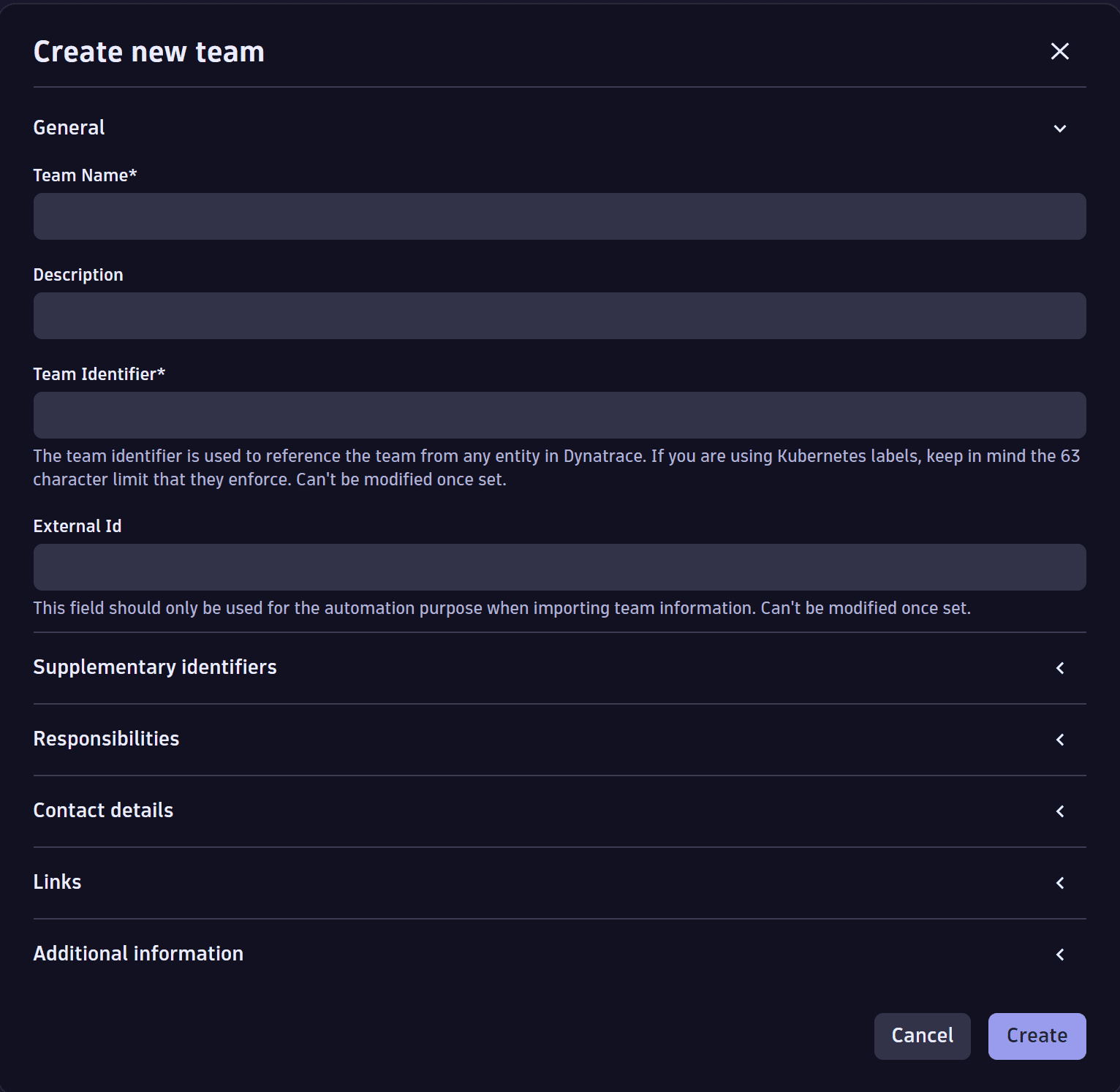
To manage a team via the UI, go to Settings > Environment segmentation > Ownership > Teams tab.
Create a team via API and Configuration as Code
Team creation via the Settings API requires the ownership configuration builtin:ownership.config JSON schema provided by Dynatrace. You can retrieve the schema using the Settings API.
Provide team configuration as a JSON payload.
Configuration as Code allows you to use JSON templates and YAML files for team creation for one or multiple teams at the same time.