Enable Kubernetes experience for existing clusters
- Latest Dynatrace
- How-to guide
- 1-min read
- Published Jan 19, 2024
You have the option to enable all or specific Kubernetes clusters to benefit from the new Kubernetes experience.
You could accomplish this using the Settings API with the Kubernetes app schema table, or alternatively, by configuring the setting as described next.
To fully disable the Kubernetes experience and stop Kubernetes monitoring or related license consumption, make sure the setting is turned off at both the environment and cluster level.
Enable all clusters
- Go to
 Settings > Collect and capture > Cloud and virtualization >
  Kubernetes.
 - Turn on New Kubernetes experience.
Enable specific clusters
-
In
Kubernetes, select Activation pending in the top menu bar. -
Select Activate for your desired cluster.
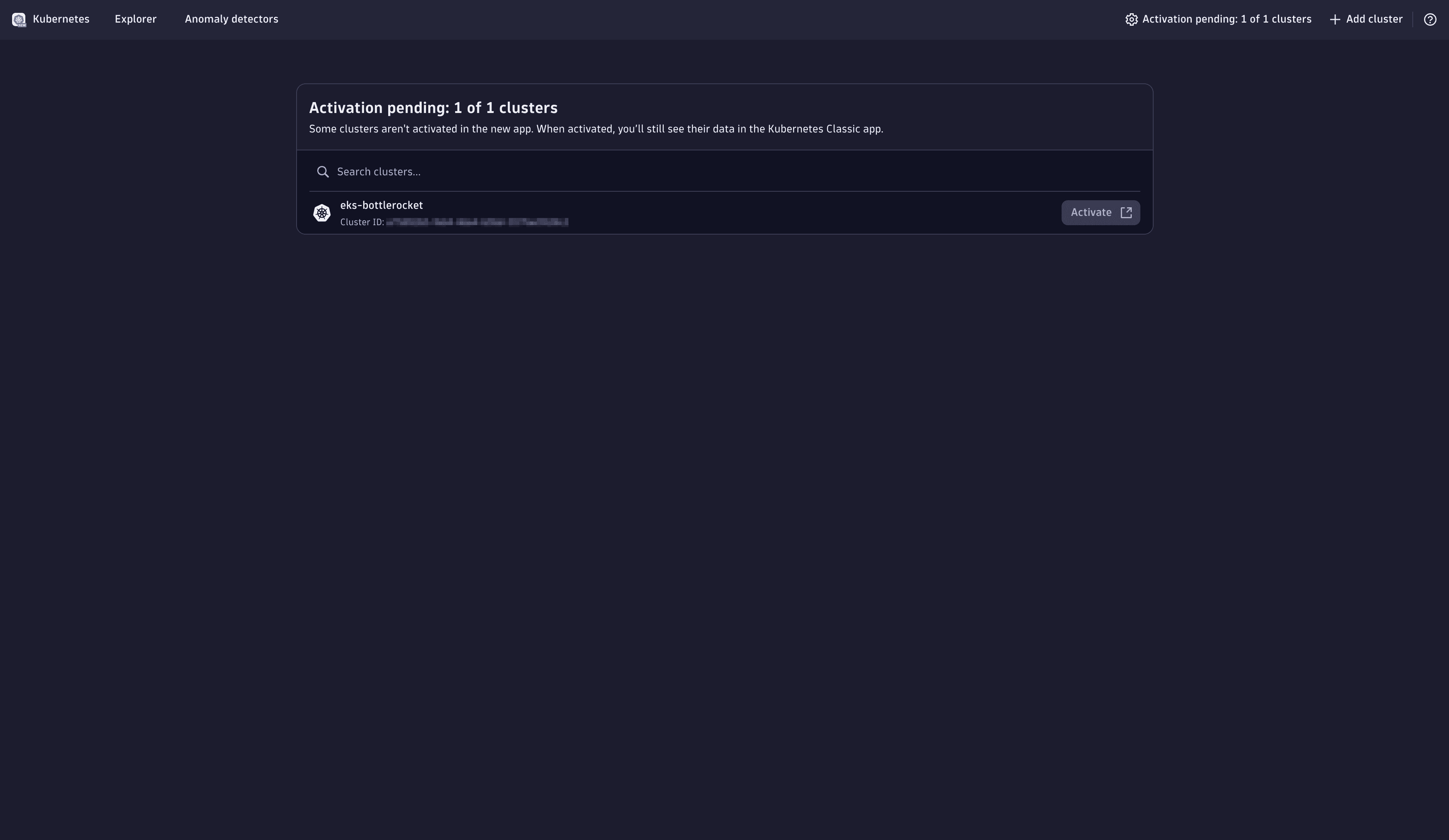 Activation pending
 -
Turn on New Kubernetes experience.
When you enable Kubernetes clusters for the new Kubernetes experience, Dynatrace starts to report observability data to the Dynatrace platform, including Grail as a data lakehouse.