Create a new Azure connection
- Latest Dynatrace
- How-to guide
- 1-min read
If this is the first time you are creating a connection, first see the onboarding instructions and its prerequisites.
If you have an existing classic connection, consider upgrading to the new cloud connections for the latest  Clouds experience.
To set up a new Azure connection
-
Go to
Clouds. -
In the upper-right corner of the page, select Create connection > Azure.
Note: If it's your first cloud connection, you can also select Create connection > Azure on the landing page.
-
Follow the steps outlined in New connection to start the onboarding process for a new Azure cloud connection.
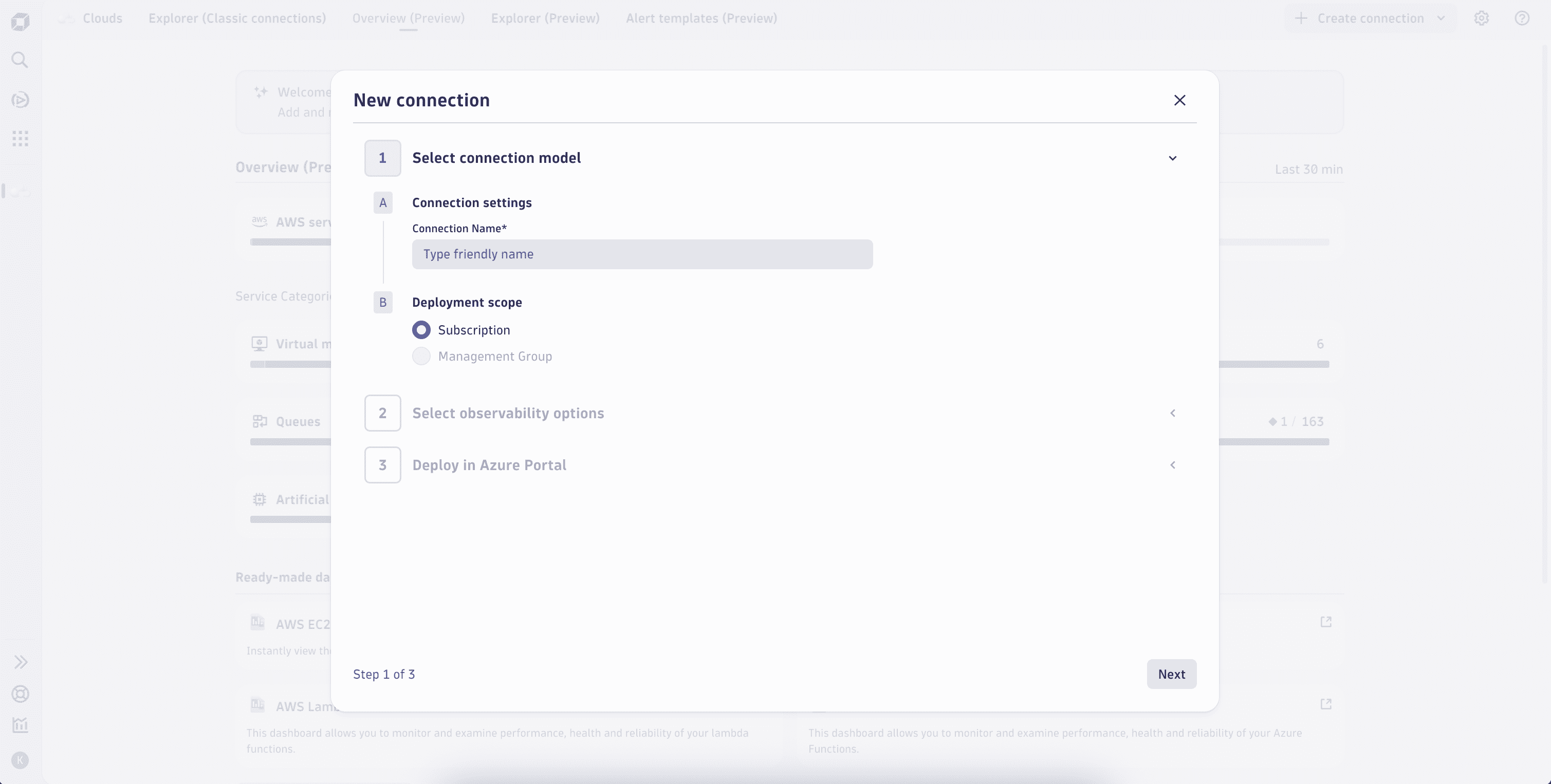 Clouds app - Create Azure connection
 -
After you’ve successfully created a new Azure connection, it takes up to 15 minutes to see your cloud inventory on the new Explorer tab view within
Clouds. -
Optional Check the state and health of your cloud connection in
 Settings.
- Go to Settings > Collect and capture > Cloud and virtualization.
- Select Azure.
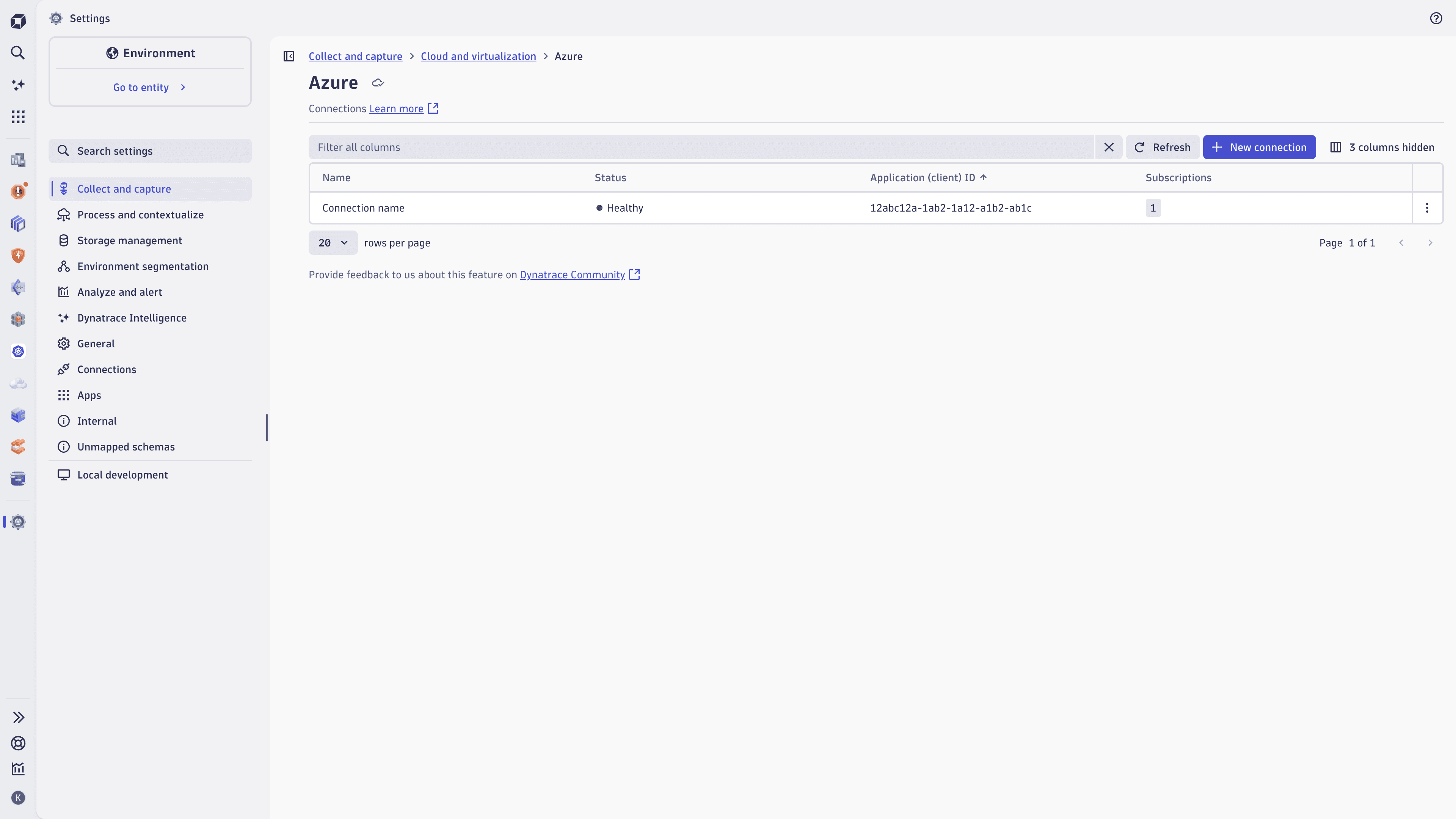 Settings app - Azure connections
 - Go to