Billing report
- Latest Dynatrace
- Explanation
- 1-min read
Your DPS Billing report gives you all the details of your DPS budget state for each day of the current period. It shows which costs were booked on which day with regards to their booking date. There is a difference between the consumption date and the booking date: consumption always occurs when Dynatrace capabilities are used. Booking occurs when consumption is recognized and deducted from your DPS annual commitment. Therefore, the booking date can differ from the consumption date.
Overview
The Billing report is a daily-cadence view of booked costs across your DPS period. It complements the live consumption views (which show usage as it happens) by reporting on what has been recognized against your annual commitment. The same underlying data is exposed through the Account Management API for finance integrations.
Use cases
- Reconcile booked costs against your subscription commitment by day.
- Identify daily variations in booked cost.
- Pull billing report data programmatically for finance workflows.
Access the billing report
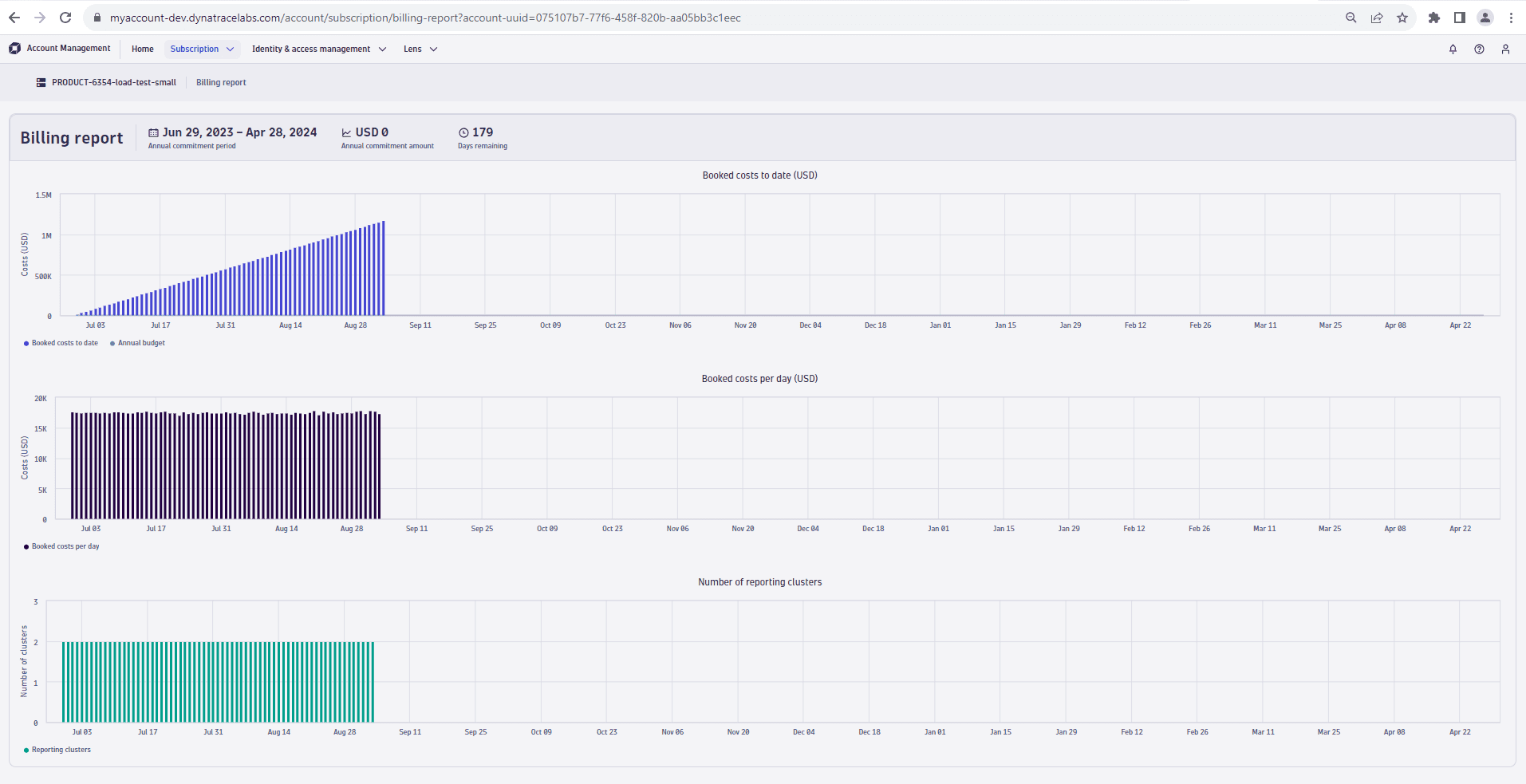
To access the billing report in Dynatrace, go to Account Management > Subscription > Billing report.
Report charts
The Billing report consists of the following charts:
- Booked costs to date: This chart displays the accumulated costs per booking day. It also shows the annual minimum commitment of your subscription.
- Booked costs per day: This chart shows the costs booked for each individual day. It does not contain the accumulated budget state. This chart helps you identify variations in daily costs.
API access
Billing information is also available via API. For more information, see Dynatrace Platform Subscription API.