Get started with Dynatrace
- Latest Dynatrace
- Overview
- 3-min read
Dynatrace is an observability platform to analyze, automate, and innovate with the power of AI. To learn more about what Dynatrace is and what it can do, see What is Dynatrace.
There are several ways to get started, depending on what you want to do. Choose the path that best matches your goal—evaluate Dynatrace with your own data, explore in a risk-free sandbox, set up monitoring on an existing account, learn how to navigate the web UI, or connect with other Dynatrace users.
Try it free
There are two simple and cost-free ways to try out Dynatrace. Both options are available from the Dynatrace website.
- Go to
dynatrace.com. - Select Try it free.
- On the Two ways to get started page, choose your adventure.
Try on Playground
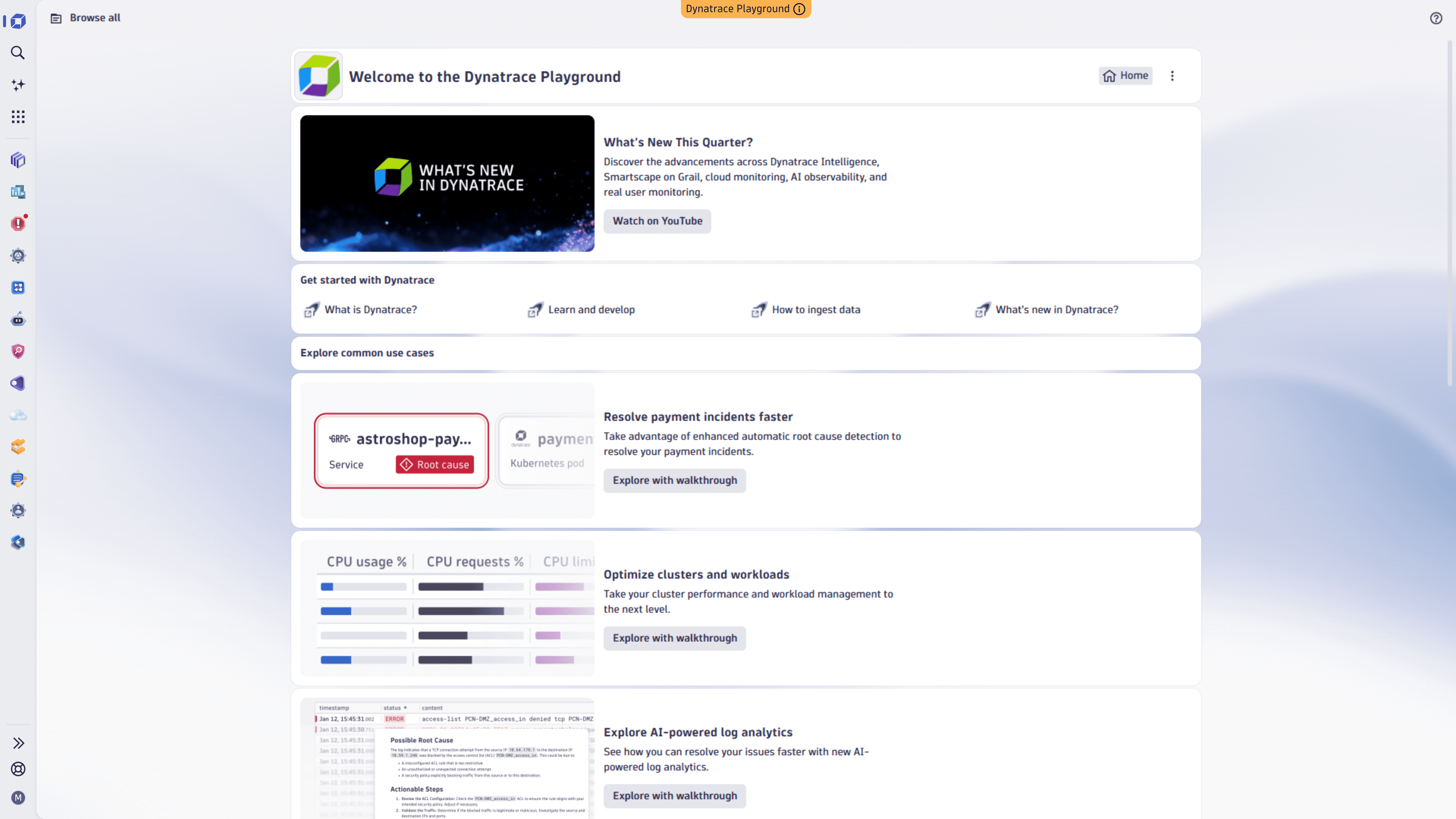
If you aren't ready to install software or ingest data, sign up for Playground, a pre-configured Dynatrace sandbox where you can explore with sample data. There's no installation or data ingestion involved.
- Select Explore Playground.
- Enter your email address and agree to the terms of service.
- Select Continue.
- Enter a new password.
- Select Explore Playground.
- Use the email address and password to sign in to Playground.
- On the Welcome to Dynatrace Playground page, start exploring.
Try with your data
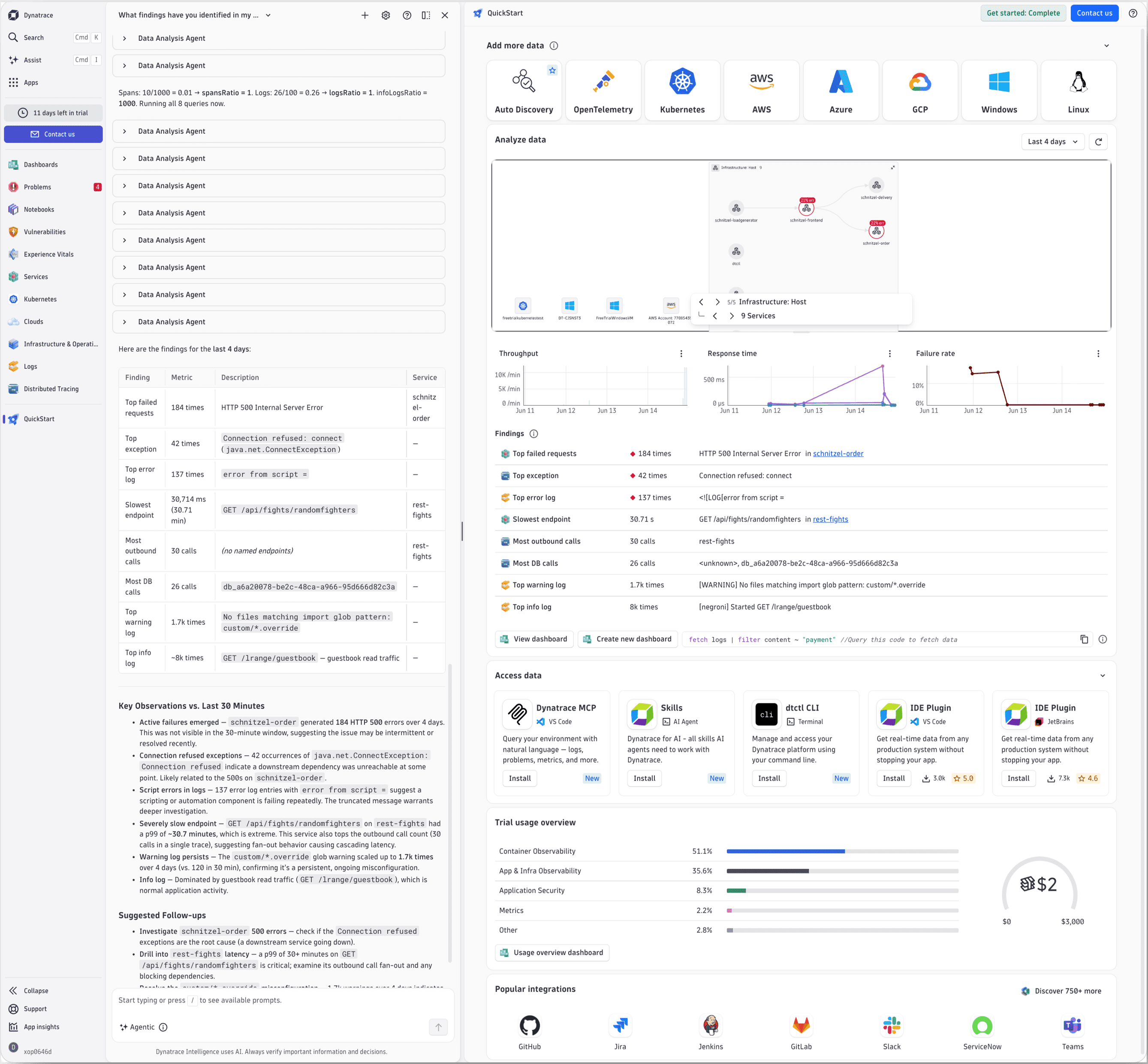
If you're ready to see what Dynatrace can do with your data, sign up for a free 15-day trial.
- Create an account so you can access Dynatrace—it's SaaS, so there's nothing to install here.
- Install OneAgent on a host (physical or virtual) so Dynatrace can ingest data.
- Explore Dynatrace features and see what it has to offer.
For the whole story, see Get started with Dynatrace QuickStart.
Ingest your data
If you already have a Dynatrace account and you're ready to bring in your data, go to Ingest data into Dynatrace to get started with the integrations and methods that match your environment.
Learn to navigate Dynatrace
To get oriented with apps, navigation, and the core concepts you'll use across the platform, go to Navigate the Dynatrace platform.
Connect with the Community
For peer support, knowledge sharing, and networking, go to Dynatrace Community and ask questions, share knowledge, and meet other Dynatrace users and experts.