Understand and measure consumption for HTTP Monitor (DPS)
- Explanation
- 5-min read
With HTTP Monitor, you can test the availability, performance, and correctness of websites and API endpoints.
This page explains how consumption is calculated and how you can estimate, manage, and optimize usage in Dynatrace.
How consumption is calculated
HTTP Monitor consumption is measured in synthetic requests, using the HTTP Monitor rate-card item. One synthetic request is consumed each time a monitor runs, for each HTTP(S) request that is executed, at each location.
Key terms
- Synthetic request
A synthetic request is a single HTTP(S) request executed by an HTTP Monitor. Each request counts as one synthetic request.
This is regardless of the HTTP method; if the request originates from a public or private location; or if authentication, certificates, custom headers, or scripts are used.
Counting rules and exceptions
-
A synthetic request is consumed as soon as the request is made.
-
If the HTTP Monitor request fails during execution, it's still counted.
-
Requests are counted once per execution at each location. It doesn't matter if the monitoring location is public or private.
-
Requests are counted irrespective of the HTTP method, and whether authentication, client certificates, custom headers, or scripts are used.
-
The following requests do not count towards your HTTP monitor consumption:
-
Requests that are skipped due to pre-execution scripting or logic.
-
Requests that didn't execute, because an earlier request failed.
-
Requests that didn't execute, because the monitor is disabled.
-
Estimate your cost
You can estimate your monthly cost by calculating the total number of synthetic results, and multiplying this by the list price of $0.001 per synthetic result.
Consumption formula
(# of synthetic requests in the monitor)× (# of executions per hour)× (# of locations)× (# of hours)= Total consumed results
Example
A customer has:
- 3 HTTP requests.
- These are executed every 10 minutes (6 times per hour).
- Each request runs from four locations.
- The tests are run for 30 days.
Calculation:
3 requests per executionx 6 executions per hourx 4 locationsx 24 hoursx 30 days= 51,840 synthetic requests
Multiplied by the unit cost of $0.001 per result, the total cost for synthetic tests in this example month is $51.84.
Understand and manage your consumption
This section describes the different Dynatrace tools that you can use to track consumption and costs.
Manage your consumption
Dynatrace provides various options to help you understand and analyze your organization's consumption of DPS capabilities.
Insights via Account Management
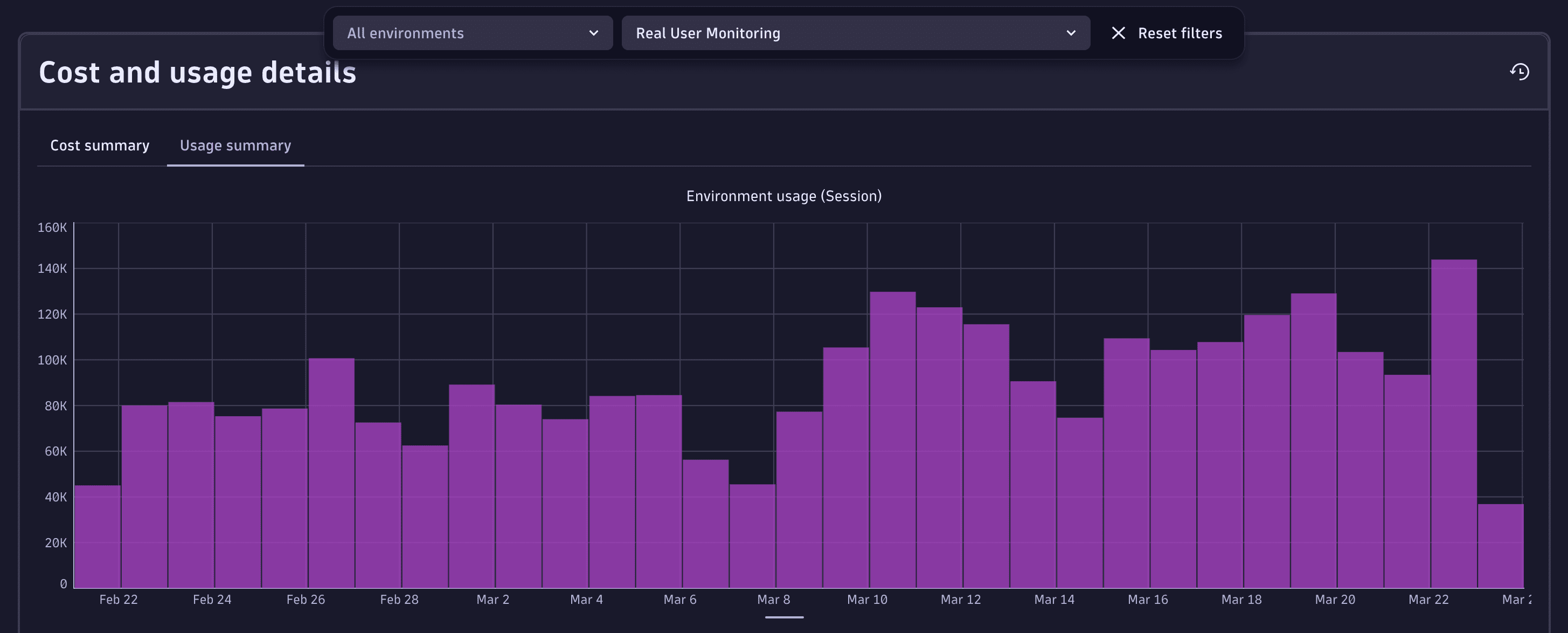
License managers can view usage and costs in Account Management. Go to Account Management > Subscription > Overview > Cost and usage details > Usage summary and select the HTTP Monitor capability.
For more information, see Overview (Dynatrace Platform Subscription).
Optimize your consumption
Ways to reduce and manage HTTP Monitor usage include:
- Reduce request count by combining checks into fewer HTTP requests
- Adjust frequency so monitors run less often
- Limit execution locations to only those required
- Disable unused monitors to stop consumption entirely
- Use scripting efficiently so unnecessary requests are skipped when conditions allow
–>
FAQs
Do failed requests still consume synthetic requests?
Yes. A request is counted once it starts executing. Skipped requests caused by a failure are not counted.
Do custom authentication, headers, or certificates increase consumption?
No. Only executed HTTP requests count.
How are redirects counted?
If redirect-following is enabled, each redirect is an additional synthetic request. If disabled, only the initial request counts.
Do on-demand executions consume requests?
Yes. Manual executions consume synthetic requests the same way scheduled executions do.