Azure Virtual Network Gateway monitoring
- How-to guide
- 1-min read
- Published Jun 25, 2020
On the Azure Virtual Network Gateway overview page you can monitor connected workloads and performance to ensure that Azure Virtual Network Gateway is successfully connected.
Only the VPN gateway type can be monitored by Dynatrace. The ExpressRoute gateway type is not monitored.
Prerequisites
- Dynatrace version 1.196+
- Environment ActiveGate version 1.195+
Enable monitoring
To learn how to enable service monitoring, see Enable service monitoring.
View service metrics
You can view the service metrics in your Dynatrace environment either on the custom device overview page or on your Dashboards page.
View metrics on the custom device overview page
To access the custom device overview page
- Go to Technologies & Processes.
- Filter by service name and select the relevant custom device group.
- Once you select the custom device group, you're on the custom device group overview page.
- The custom device group overview page lists all instances (custom devices) belonging to the group. Select an instance to view the custom device overview page.
View metrics on your dashboard
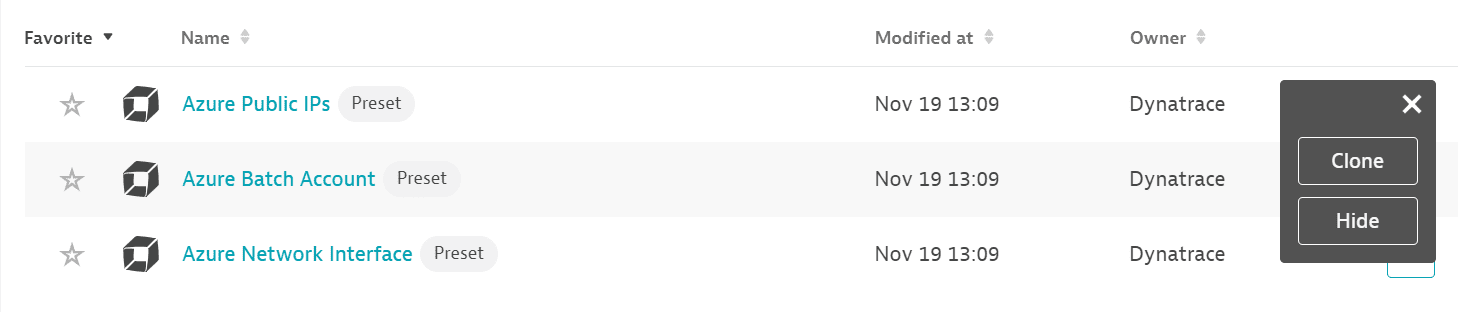
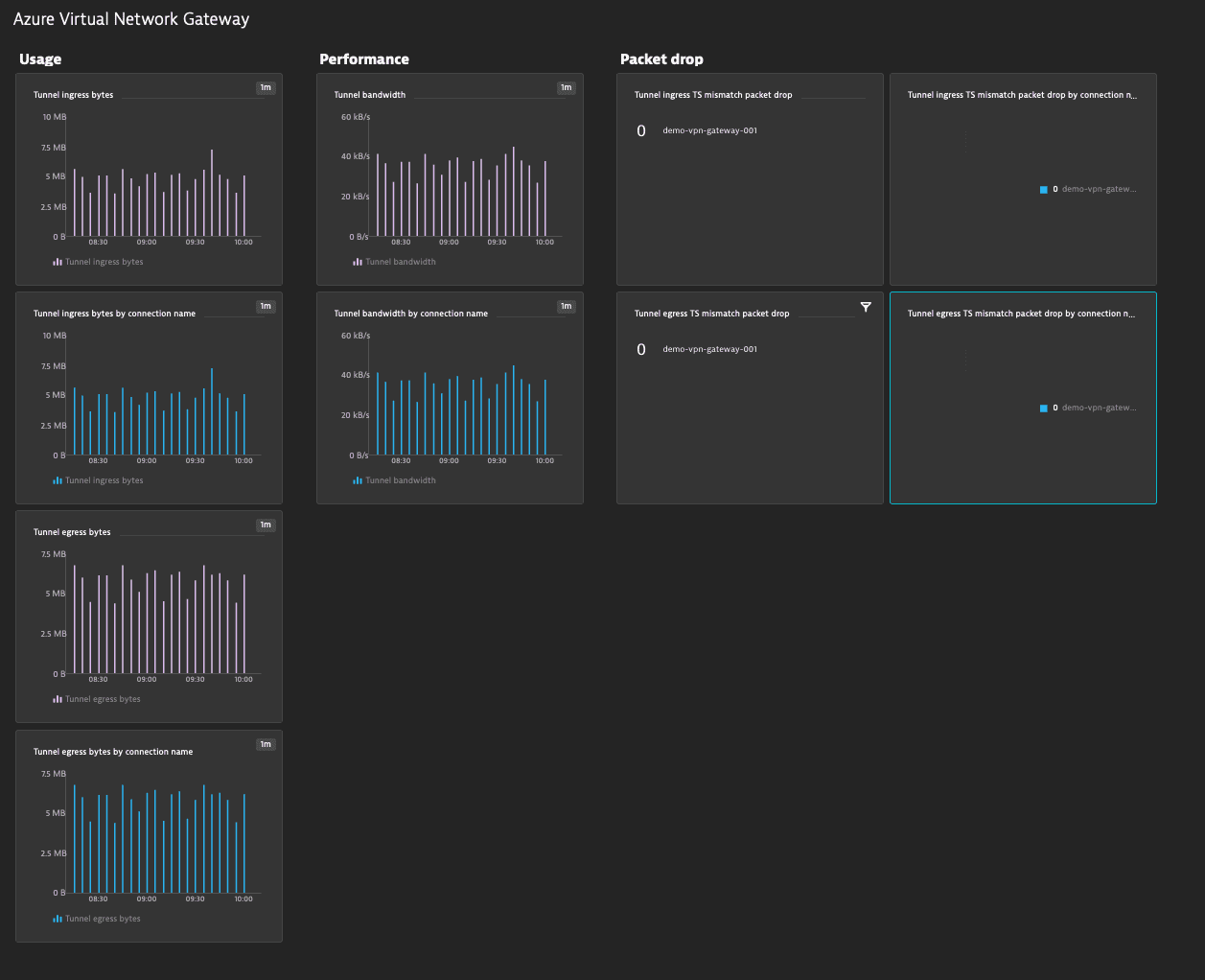
If the service has a preset dashboard, you'll get a preset dashboard for the respective service containing all recommended metrics on your Dashboards page. You can look for specific dashboards by filtering by Preset and then by Name.
For existing monitored services, you might need to resave your credentials for the preset dashboard to appear on the Dashboards page. To resave your credentials, go to Settings > Cloud and virtualization > Azure, select the desired Azure instance, then select Save.
You can't make changes on a preset dashboard directly, but you can clone and edit it. To clone a dashboard, open the browse menu (…) and select Clone.
To remove a dashboard from the dashboards list, you can hide it. To hide a dashboard, open the browse menu (…) and select Hide.
Hiding a dashboard doesn't affect other users.
Available metrics
| Name | Description | Dimensions | Unit | Recommended |
|---|---|---|---|---|
AverageBandwidth | Average site-to-site bandwidth of a gateway in bytes per second | BytesPerSecond | ||
P2SBandwidth | Average point-to-site bandwidth of a gateway in bytes per second | BytesPerSecond | ||
P2SConnectionCount | Point-to-site connection count of a gateway | Protocol | Count | |
TunnelAverageBandwidth | Average bandwidth of a tunnel in bytes per second | ConnectionName,RemoteIP | BytesPerSecond |
|
TunnelEgressBytes | Outgoing bytes of a tunnel | ConnectionName,RemoteIP | Bytes |
|
TunnelEgressPacketDropTSMismatch | Outgoing packet drop count from traffic selector mismatch of a tunnel | ConnectionName,RemoteIP | Count |
|
TunnelEgressPackets | Outgoing packet count of a tunnel | ConnectionName,RemoteIP | Count | |
TunnelIngressBytes | Incoming bytes of a tunnel | ConnectionName,RemoteIP | Bytes |
|
TunnelIngressPacketDropTSMismatch | Incoming packet drop count from traffic selector mismatch of a tunnel | ConnectionName,RemoteIP | Count |
|
TunnelIngressPackets | Incoming packet count of a tunnel | ConnectionName,RemoteIP | Count |