Stream logs to Dynatrace with Logstash
- Latest Dynatrace
- Tutorial
- 1-min read
Dynatrace Log Management and Analytics uses OneAgent DaemonSet, which includes a log module. This is the recommended way of streaming logs from nodes and pods to Dynatrace.
Alternatively, you can use the Dynatrace Logstash output plugin, which is an open-source module, to stream logs.
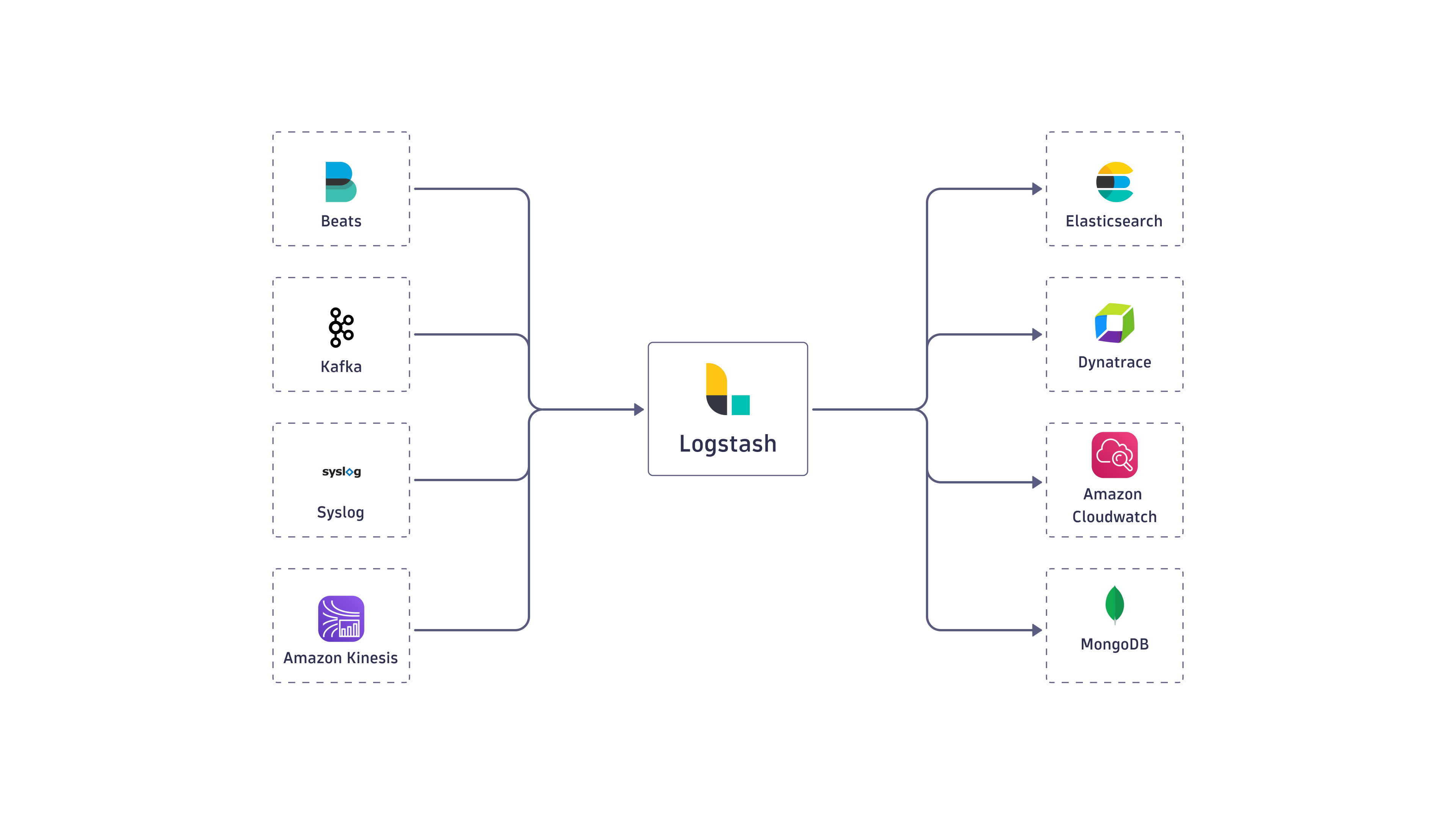
Logstash pipeline to Dynatrace
Capabilities
Supports sending logs to Dynatrace log ingest API v2.
The Dynatrace Logstash output plugin also provides the following capabilities:
- Dynatrace API authentication
- Retry failed requests due to temporary network conditions
- Split large payloads into smaller batches ensuring each batch respects Dynatrace API limits (plugin version
0.5.1+) - Optional gzip compression (plugin version
0.6.1+) - Optional HTTP proxy configuration (plugin version
0.5.0+) - Optionally disable SSL verification for use with self-signed certificates
Deploy integration
For instructions on how to deploy Logstash integration, see the documentation on GitHub
Example configuration:
output {dynatrace {id => "dynatrace_output"ingest_endpoint_url => "${ACTIVE_GATE_URL}/api/v2/logs/ingest"api_key => "${API_KEY}"}}
Related tags
Log Analytics