Configure user permissions and management zones
- Latest Dynatrace
- How-to guide
- 2-min read
- Published May 07, 2026
- Preview
Configure user permissions and management zones to control who has access to session recordings.
User permissions
Use the Replay sessions with masking and Replay sessions without masking permissions to control who has access to session recordings. For more details, see Manage user groups and permissions.
No permission
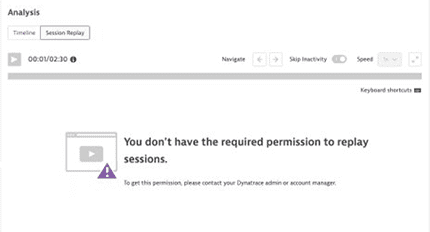
For users that don't need the access, deactivate both permissions in user and group settings. If Session Replay data is available but you don't have the required permissions, it appears as missing when replaying a session.
Replay session data with masking
For users that need to replay user sessions but don't need to see all captured information, assign the Replay sessions with masking permission. Note that this permission is given to all users by default.
Replay session data without masking
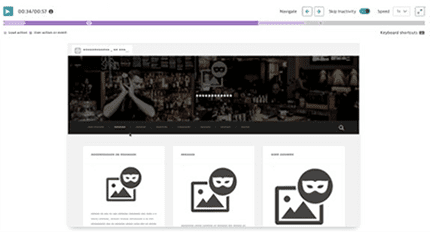
For users that need to play back sessions and see all recorded information, select the Replay sessions without masking user permission.
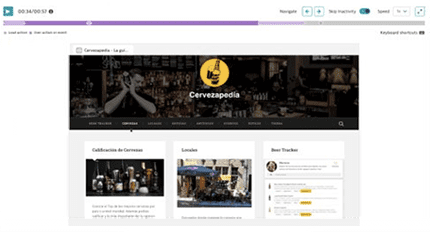
If you record some sensitive user data or your application contains sensitive label text, you can use more restrictive playback masking rules to limit what's displayed at the time of playback. You can use user permissions to determine which users can replay sessions with or without playback masking rules applied.
Management zones
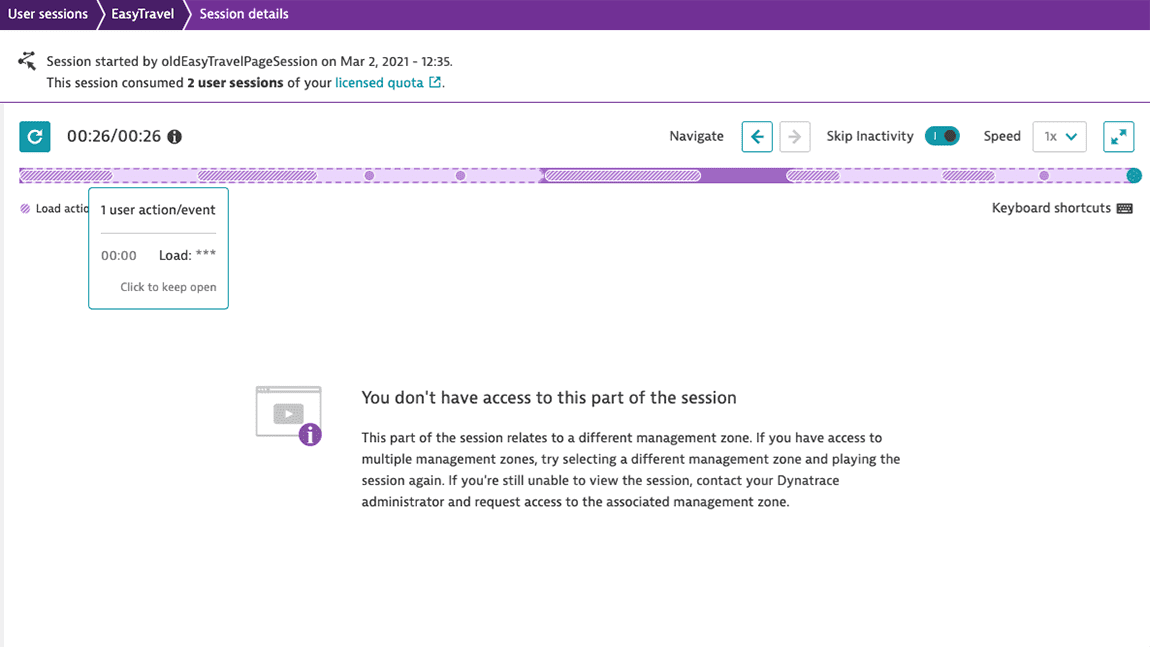
The ability to view and play back user sessions is further protected by management zones. If a user session traverses applications within different management zones, Dynatrace users with Session Replay permissions may only view those parts of the session associated with applications in the management zones that they have access to. For details, check Management zones.