Cost management
- Dynatrace Classic
- Explanation
- 3-min read
The Account Management Cost management view lets you manage:
- Budget alerts: Define budgets and set up notifications. This tab is visible only to license administrators.
- Cost monitors: Adjust thresholds and set up notifications. This tab is visible only to license administrators.
You can access this information at Account Management > Subscription > Cost management.
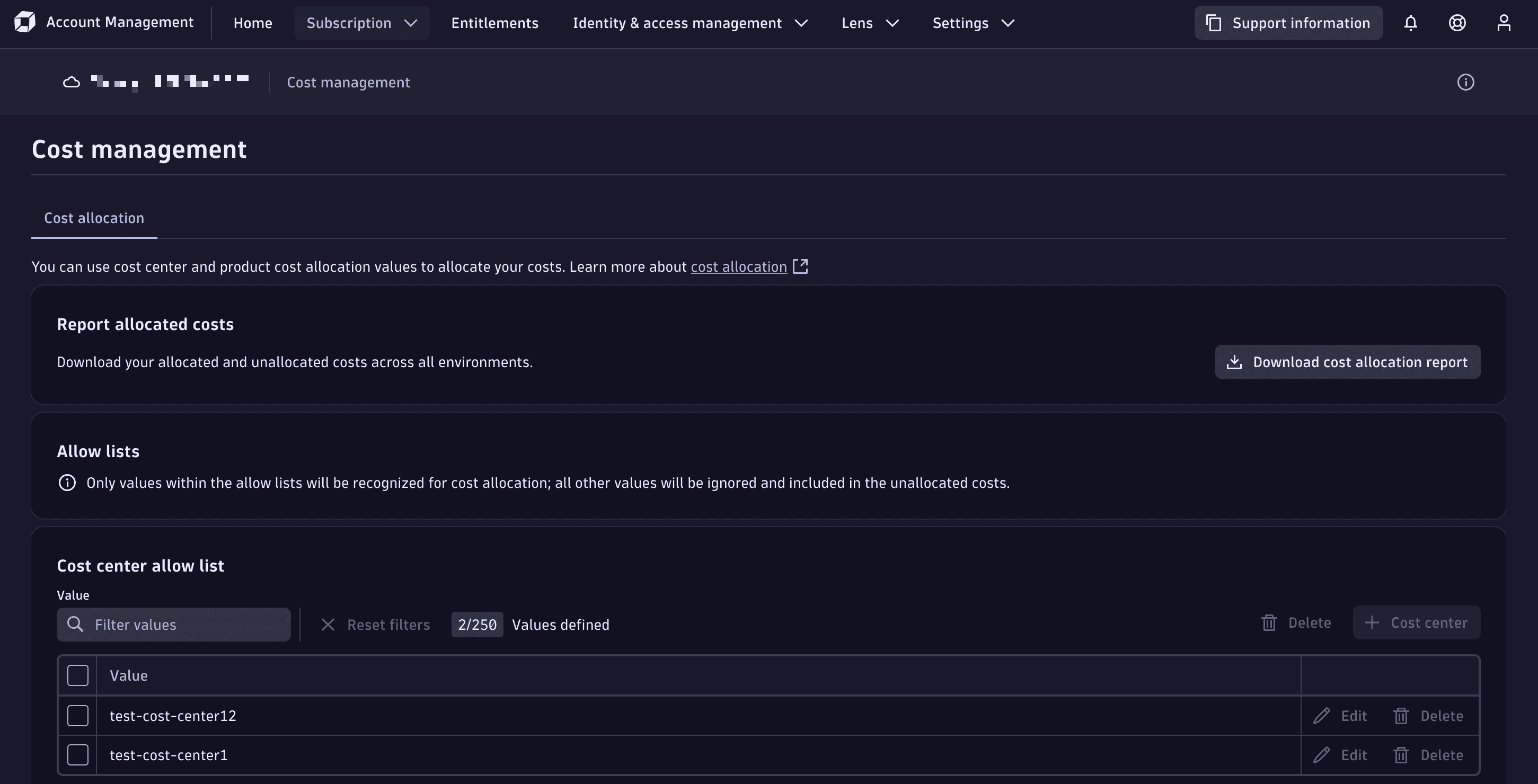
The Cost management page in Account Management
Budget alerts
In the Budget alerts tab, you can:
- Define budgets at the account, environment, and capability level.
- Set up notifications to inform you when thresholds are exceeded.
For more information about budget alerts, see Budget alerts (Dynatrace Classic).
Cost monitors
In the Cost monitors tab, license administrators can adjust thresholds and notification email recipients.
For more information about cost monitors, see Cost monitors (Dynatrace Classic).
Related tags
Dynatrace Platform