Azure overview
- Latest Dynatrace
- Explanation
- 5-min read
- Published Jun 15, 2026
Azure overview provides a clear visualization of your Azure ecosystem, its entities and relationships between them by leveraging rich topological data in  Smartscape. A high-level overview helps you to monitor your environment and understand relationships between your
 AZURE_MICROSOFT_* entities.
This view is based on Azure Cloud Platform Monitoring.
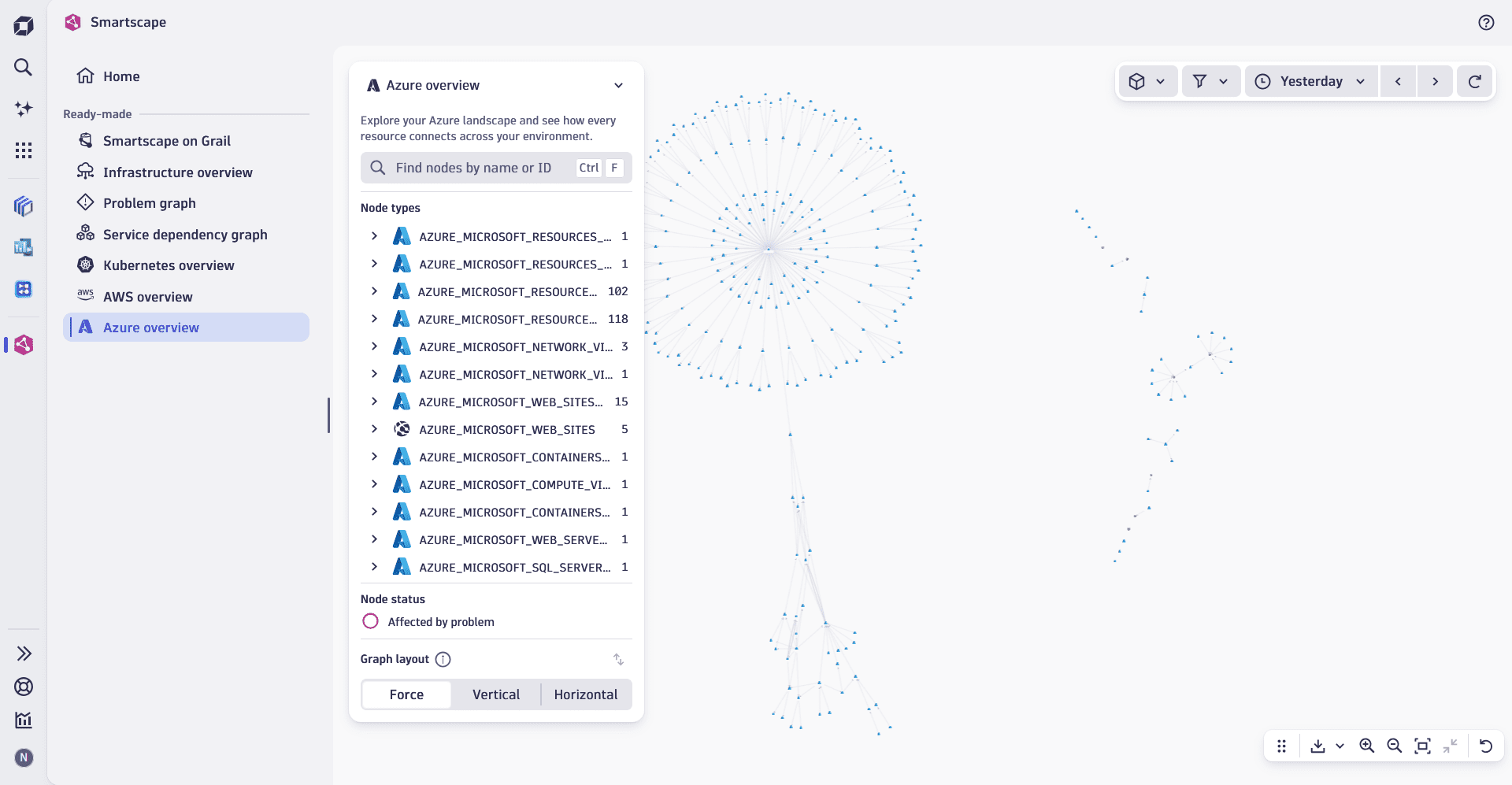
Constituent entities overview
Azure overview view visualizes entities as a flat structure consisting of nodes and edges. You can choose from multiple graph view options, such as vertical or horizontal, to suit your needs and focus on a particular type of relationship between the nodes.
Nodes
The nodes in Azure overview represent entities present in your Azure ecosystem, such as AKS clusters, Azure SQL databases, storage accounts, and Azure VMs. The real-time view displays all nodes active during the selected timeframe, ensuring an always up-to-date representation of your digital ecosystem.
Edges
The edges in the Azure overview view represent all relationships and dependencies between AZURE_MICROSOFT_* nodes, including:
- Communication flows, such as
usesandused_by. - Service calls.
- Infrastructure connections, such as
balances,belongs_to,is_attached_to, andruns_on.
Use cases
You can use Azure overview to:
- Get an overview of all Azure entities running in your environment.
- Explore what node types are active in your environment and how they interact with each other.
- Understand the relationships and hierarchy between the entities.
- Spot and fix misconfigurations in a timely manner.
Best practice tips
To use Azure overview effectively, we recommend that you:
- Focus on specific areas by selecting a segment that defines your area of responsibility, such as specific clusters, namespaces, or workloads relevant to your team.
- Use topology graph options to ensure that configured clusters, namespaces, and workloads exist and are correctly associated with their intended clusters and namespaces.
- Drill down into any cluster, namespace, or workload in the
 Clouds to continue your exploration or investigation and access detailed information, such as entity properties, metrics, events, logs, and configuration.
Related topics
Smartscape